EvtApp – Real Estate Flutter Full App with Firebase, Chat, Maps, FCM, Authentication
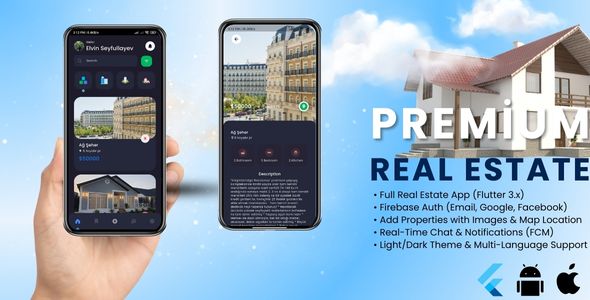

EvtApp – Full-Featured Real Estate Flutter App (Chat, Add Property, FCM, Maps)
EvtApp is a modern, production-ready real estate mobile application built with Flutter for Android and iOS. It is designed for startups, agencies and developers who want to launch a property marketplace or real estate app quickly, without sacrificing quality or scalability.
The app focuses on the most important real-world features: property listing management, real-time communication and push notifications, combined with a clean UI, dark/light themes and multi-language support.
Why EvtApp?
- ✔ Built with Flutter (single codebase for Android & iOS)
- ✔ Clean UI/UX with dark & light mode
- ✔ Real-time chat & notifications
- ✔ Flexible property submission (user / agent / agency)
- ✔ Easy to customize, rebrand and extend
Core Features
- Add Property: Create listings with images, price, rooms, size and location
- Admin Approval Support: Listings can be reviewed before going live
- Real-time Chat: Direct messaging between buyers and agents/owners
- Push Notifications (FCM): New messages, offers and updates
- Google Maps: Select and display property locations
- Search & Filters: Filter by price, type, size and location
- Saved Properties: Wishlist / favorites support
- Authentication: Email, Google and Facebook login
- Multi-language: Easy localization for global markets
App Preview
Below are real screenshots from the application, showing the most important user flows and features.
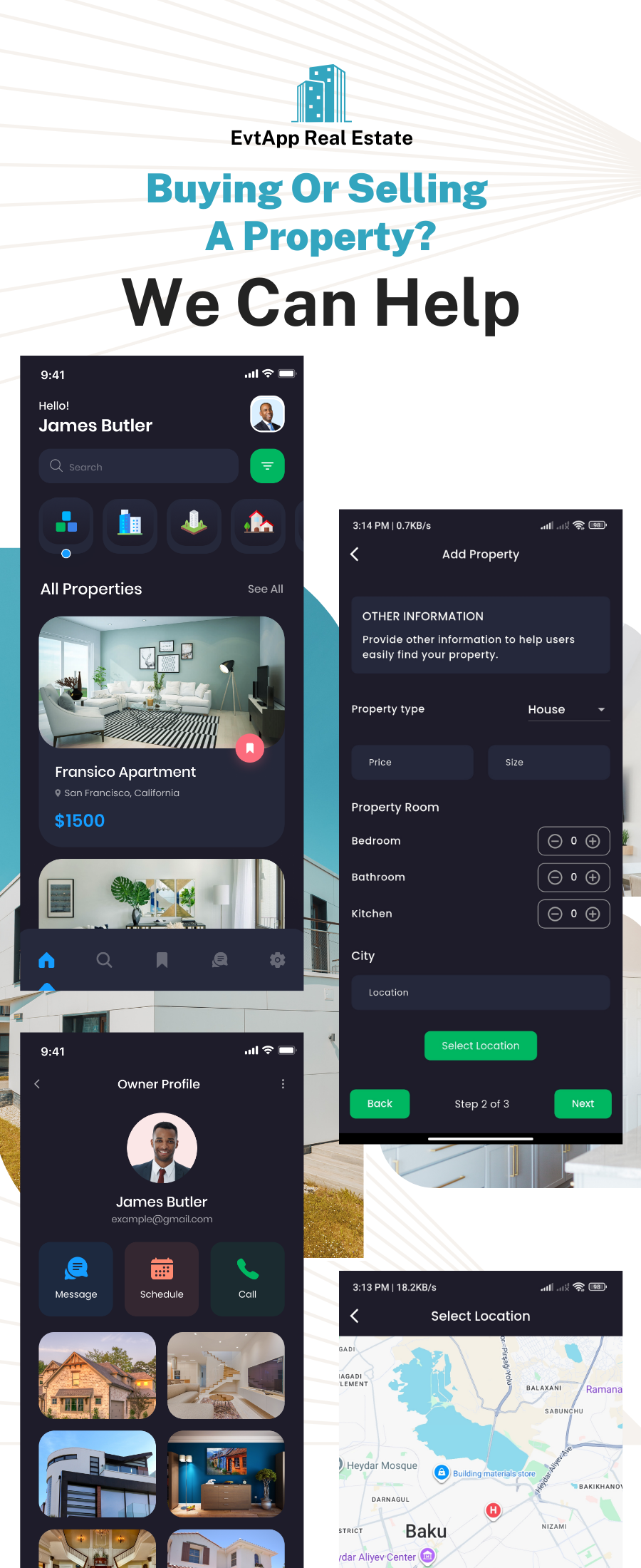
Add Property & Property Management
Users, agents or agencies can easily submit properties with detailed information, images and location. Admin approval can be enabled to control content quality.
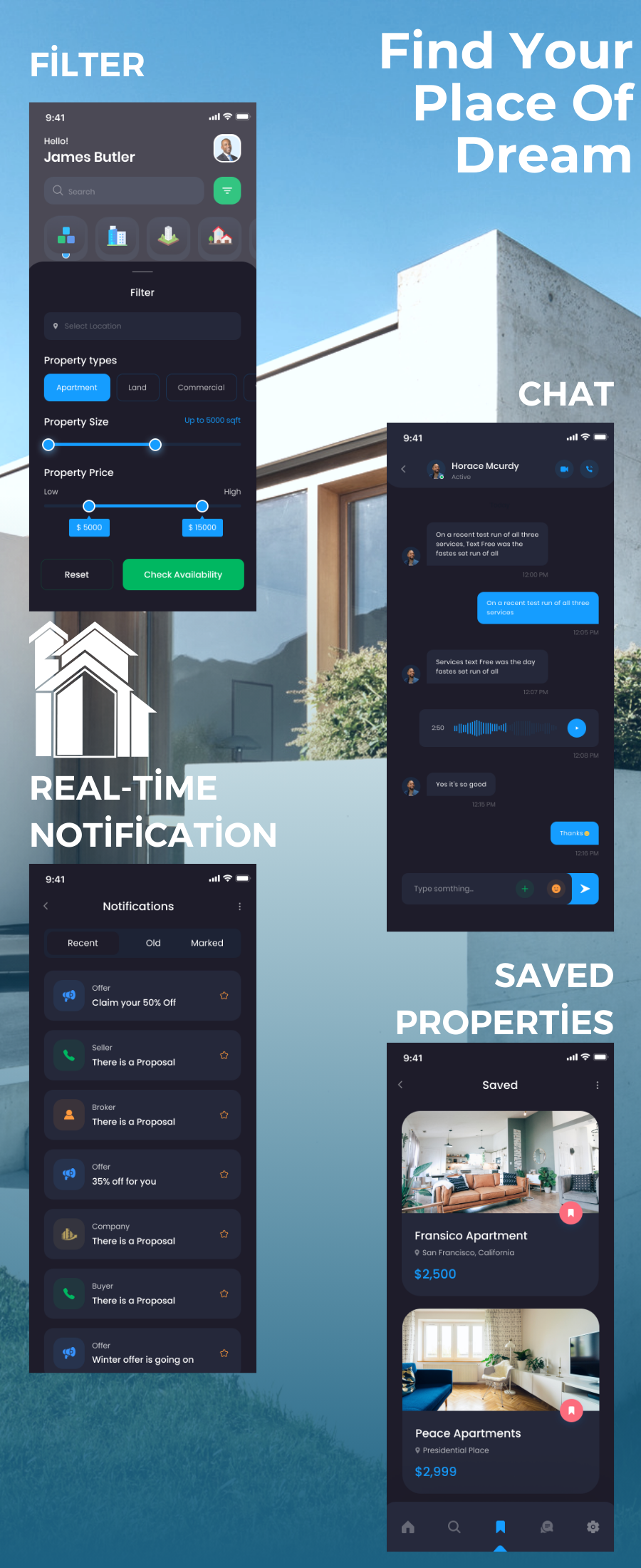
Search, Chat, Notifications & Saved Listings
EvtApp includes advanced filtering, real-time chat, push notifications and saved properties, helping users find, communicate and manage listings efficiently.
Use Cases
- Real estate agencies and agent teams
- Property marketplaces
- Startup MVPs
- Freelancers delivering client projects
What’s Included
- Complete Flutter source code (Android & iOS)
- Offline HTML documentation
- Quick Start Guide for non-technical users
- Firebase setup guide (Auth, Firestore, Storage, FCM)
- Google Maps integration guide
- Theme & localization customization guide
Easy Setup (Beginner Friendly)
EvtApp does not include sensitive API keys or Firebase configuration files for security reasons. Buyers can easily connect their own Firebase and Google Maps setup by following the documentation.
- Create a Firebase project
- Download and add
google-services.json(Android) - Download and add
GoogleService-Info.plist(iOS) - Add your Google Maps API key
- Run the app
Technology Stack
- Flutter
- Firebase Authentication
- Cloud Firestore
- Firebase Storage
- Firebase Cloud Messaging (FCM)
- Google Maps API
Support
If you have any questions or need help with setup, feel free to contact:
Email: eseyfullayev51@gmail.com
0 average based on 0 ratings.


