ESimScan | Flutter eSIM App

Disclaimer: This app is not an independent product — it is a client for the eSimScan marketplace script and only works with it. See more about eSimScan
ESimScan | Flutter eSIM App
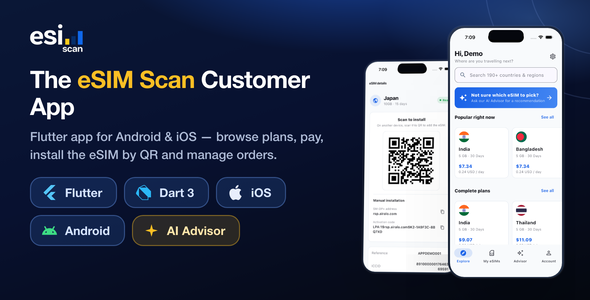
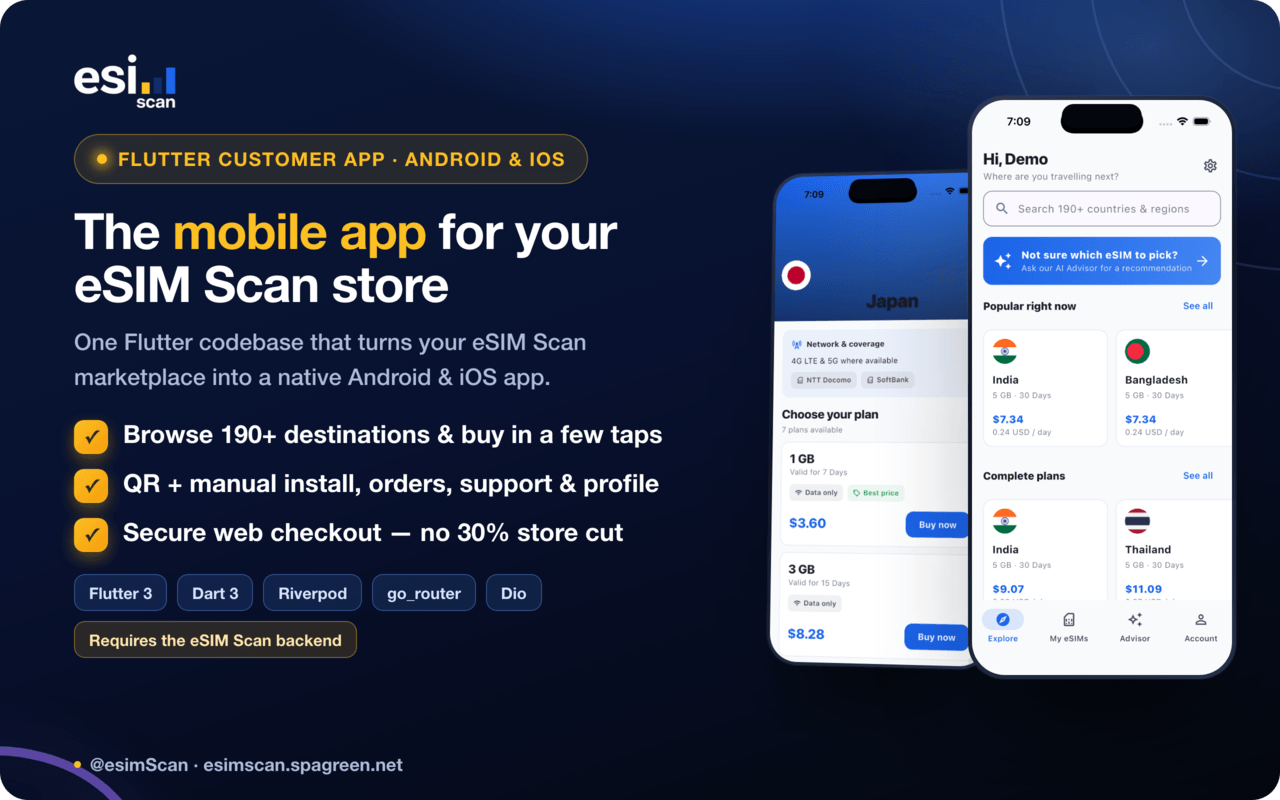
eSIM Scan Mobile App is a complete, production-ready Flutter customer app for the eSIM Scan marketplace. One codebase builds a native Android and iOS app in which travellers browse data plans for 190+ destinations, get AI-powered plan recommendations, pay through your existing Stripe / PayPal checkout, install the eSIM by QR code, and manage their orders, support tickets and account — all from their phone. Full Dart source is included.
⚠️ App-only template — the backend is NOT included. This item is the Flutter client application only. It requires the eSimScan — AI-Powered eSIM & Data Plan Marketplace Script (Laravel 12 + React), sold as a separate CodeCanyon item, which is not part of this download. The app cannot display data or process an order without it. That backend already ships the /api/v1 REST API this app consumes, so there is no backend work to do — and the complete API contract is documented in the included offline guide if you prefer to implement it on a server of your own.
AI disclosure. This app includes an optional AI eSIM Advisor. It sends the traveller’s free-text trip description to your backend, which forwards it to a third-party AI provider that you choose and configure — OpenAI, Anthropic (Claude) or DeepSeek. AI is used only for this feature; no other part of the app calls an AI service.
⚠️ You need your own API key, and usage costs money. No AI provider, API key or usage allowance is included with this item. You supply your own key and the provider bills you directly for every request at their current rates. The feature is disabled by default — if you never configure a key, the advisor reports that it is unavailable and the rest of the app works normally. Other services you connect (eSIM suppliers, Stripe/PayPal, hosting, Apple and Google developer accounts) are likewise billed to your own accounts and are not included in the purchase price.
Demo
| Android APK (v1.0.0): Download the demo APK (57 MB) Backend / storefront demo: https://esimscan.spagreen.net Demo account: client@spagreen.net / 123456 |
What you get
- Complete Flutter source code for the customer app (Android + iOS)
- A documented, feature-first project structure — easy to rebrand and extend
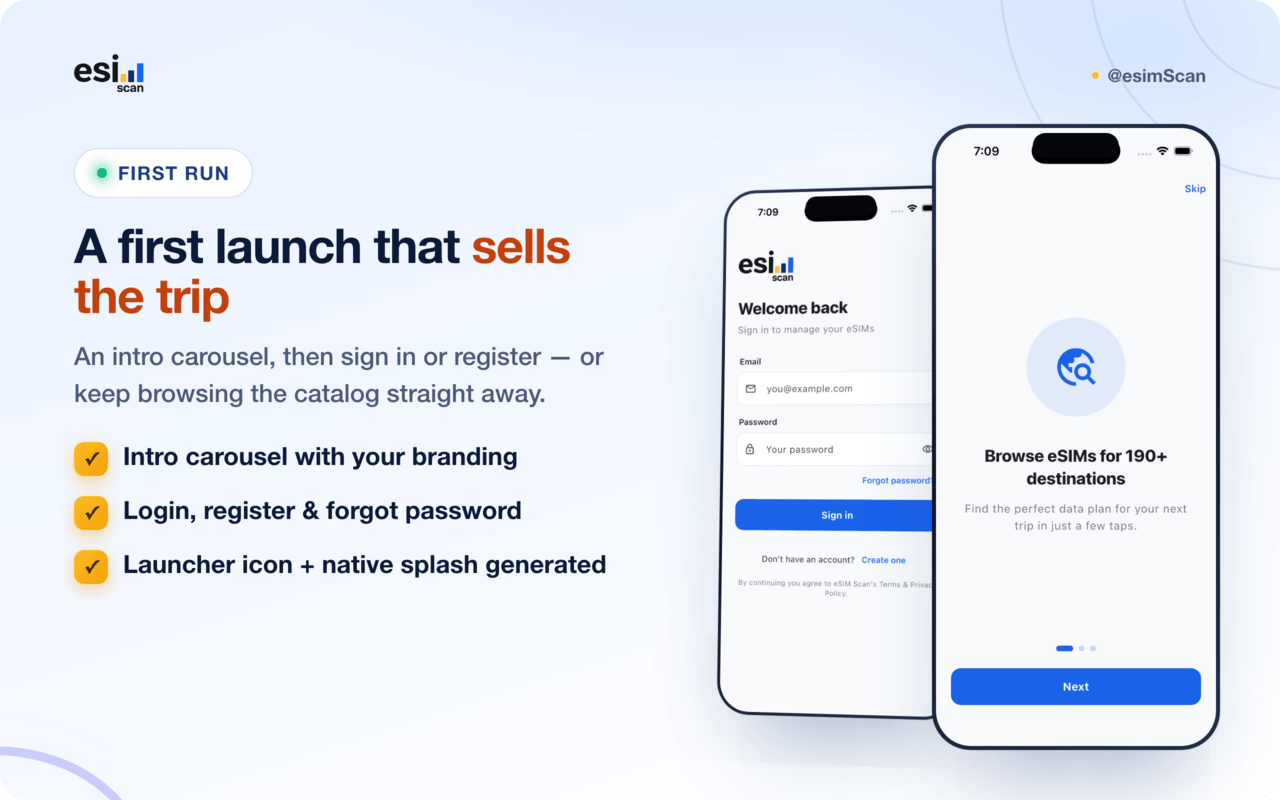
- Launcher icon & native splash generation wired up (
flutter_launcher_icons,flutter_native_splash) - A single-file design system: change the brand colours in one place
- Complete offline documentation (
documentation/index.html) — setup, API configuration, backend setup, changing the package name / bundle ID, Android signing, iOS setup, troubleshooting and the full API contract. No internet needed to read it
Features
Browse & buy
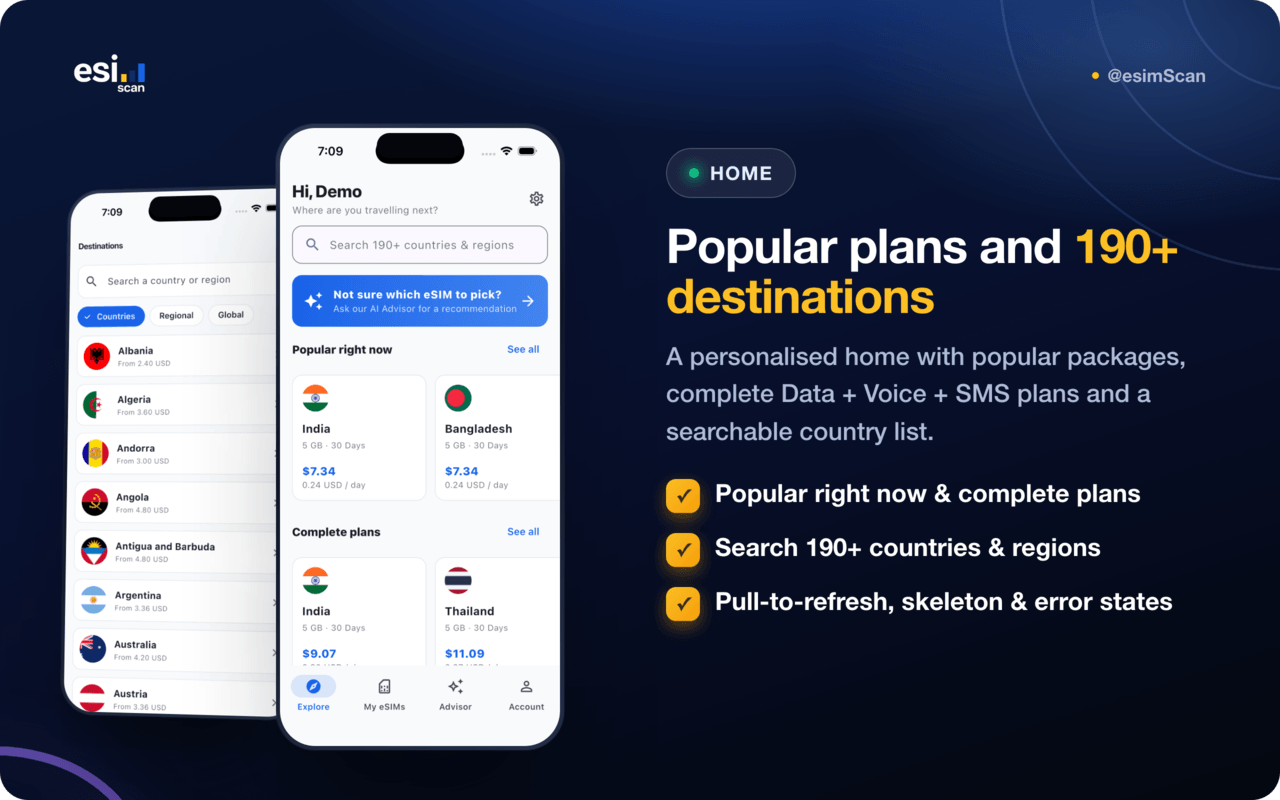
- Home with popular packages, complete Data + Voice + SMS plans and a destination list
- Search 190+ countries and regions, pulled live from your catalog
- Destination page with every plan, price, data allowance, validity and coverage notes
- Pull-to-refresh, loading skeletons and friendly empty / error states throughout
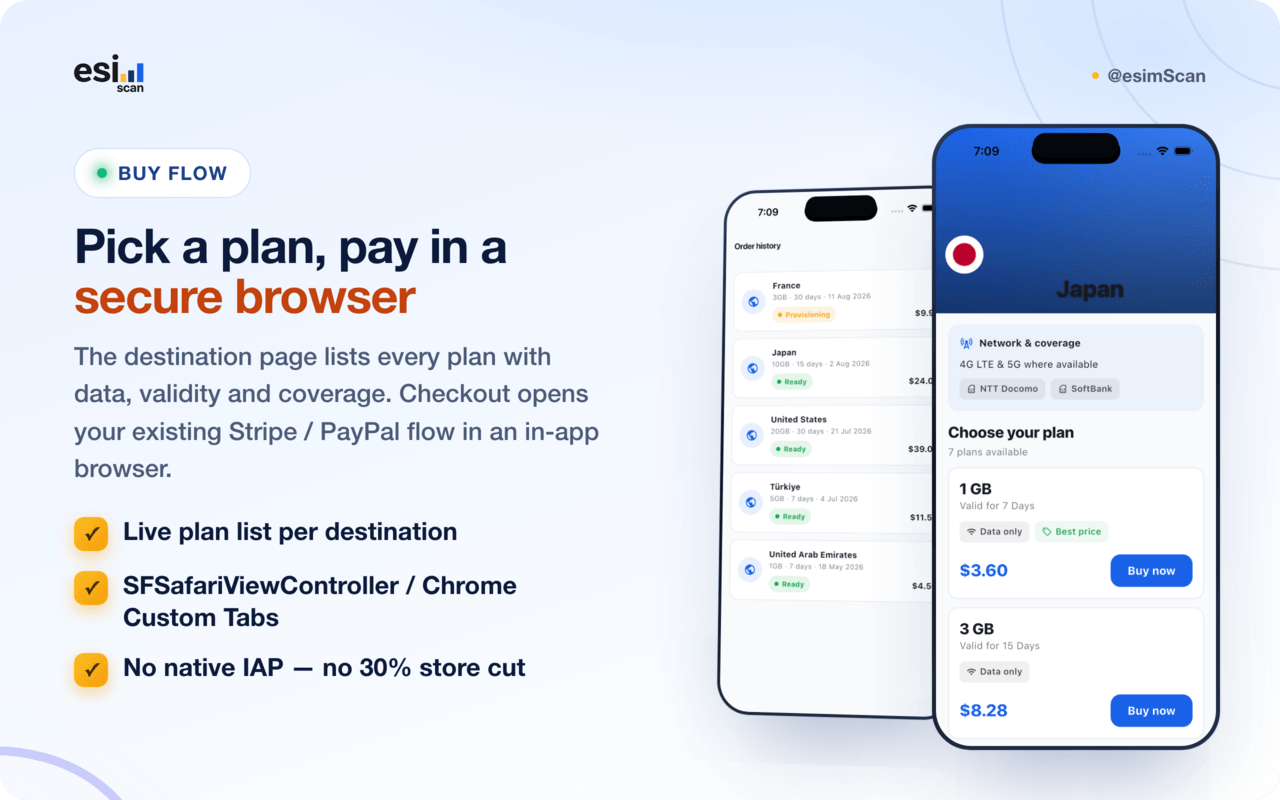
Store-compliant payments — no 30% cut
- Tapping Buy requests a signed checkout URL from your backend and opens it in a secure in-app browser (SFSafariViewController / Chrome Custom Tabs)
- Reuses your existing Stripe and PayPal flow — no payment code duplicated in the app
- No native in-app purchase: eSIM connectivity is a real-world service, which Apple and Google permit to be sold outside IAP (the same model Airalo and Holafly use)
- The completed order is linked to the account and appears under My eSIMs
eSIM delivery & installation
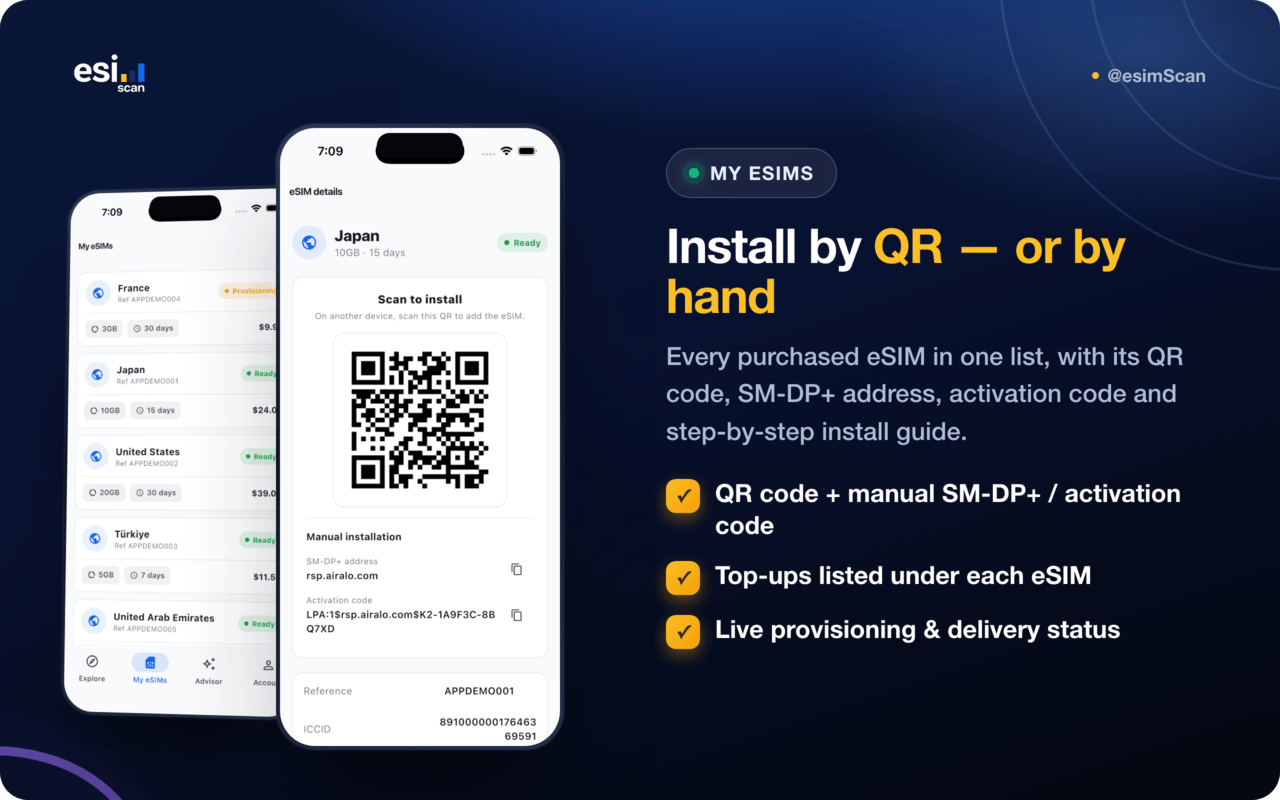
- My eSIMs — every purchased eSIM with its status, data allowance and validity
- QR install — scan-to-install code served securely from your backend
- Manual install — SM-DP+ address and activation code, copyable, for devices that need it
- Step-by-step install guide in the app
- Top-ups listed under their parent eSIM
- Live provisioning & delivery status (paid → provisioning → fulfilled → delivered)
AI eSIM Advisor (optional)
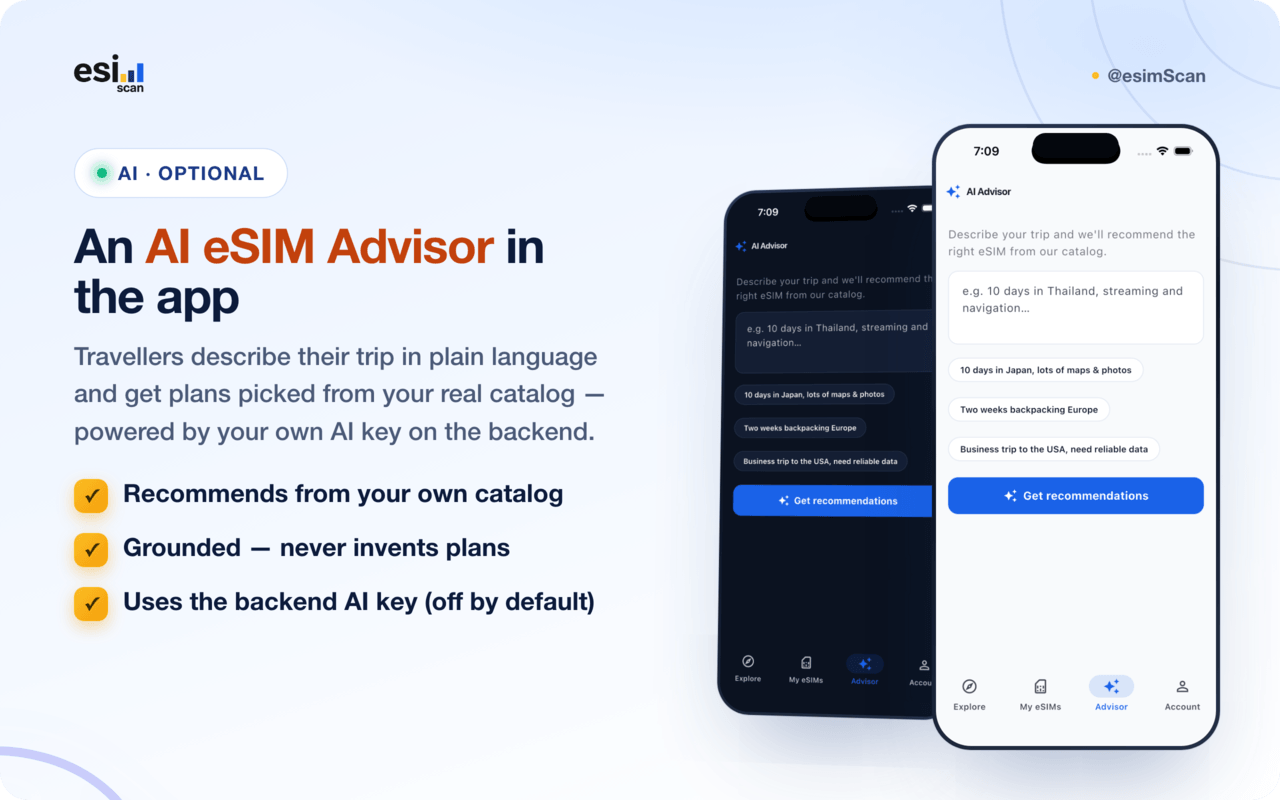
- Travellers describe their trip in plain language and get plan recommendations
- Recommendations are grounded in your real catalog — the model cannot invent plans
- Each recommendation deep-links straight into checkout
- Powered by the AI provider configured in your backend (OpenAI, Claude / Anthropic or DeepSeek); disabled by default and billed to your own AI account
Support & account
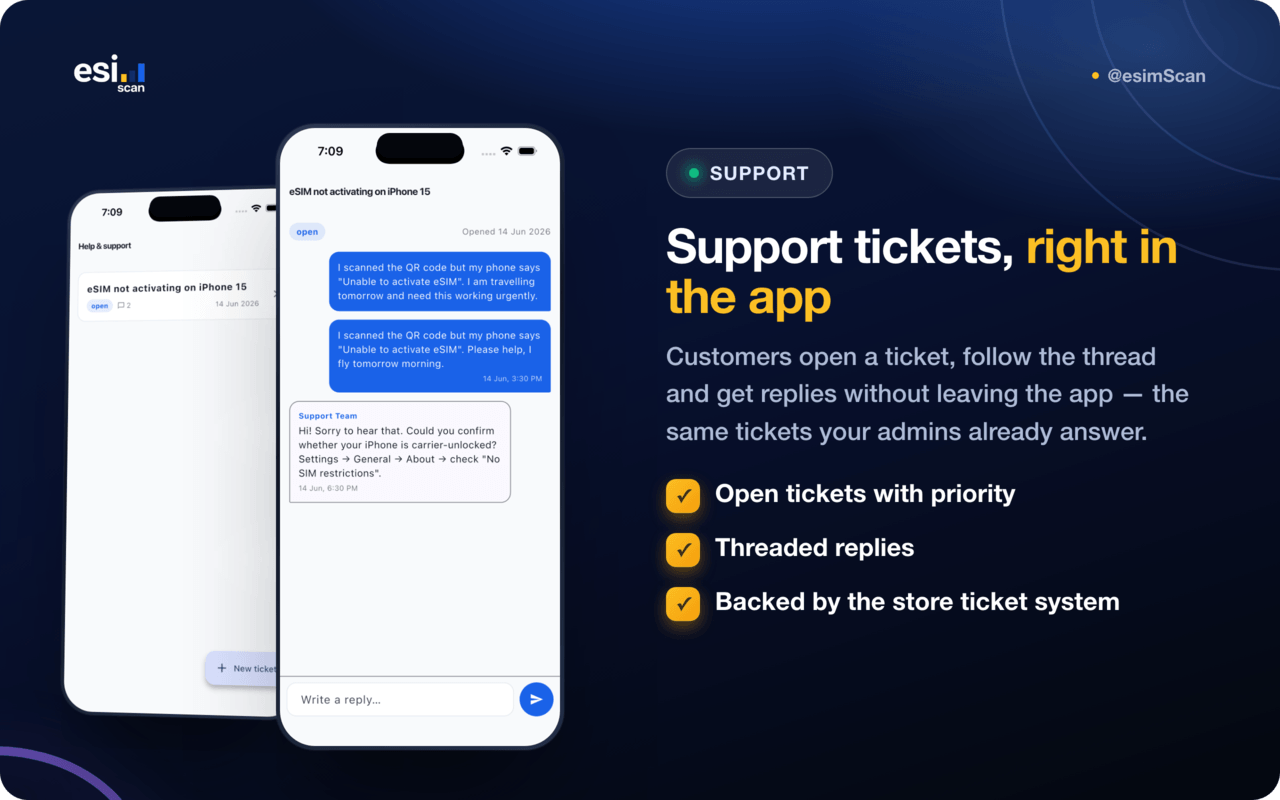
- Support tickets — open a ticket with a priority, follow the threaded replies
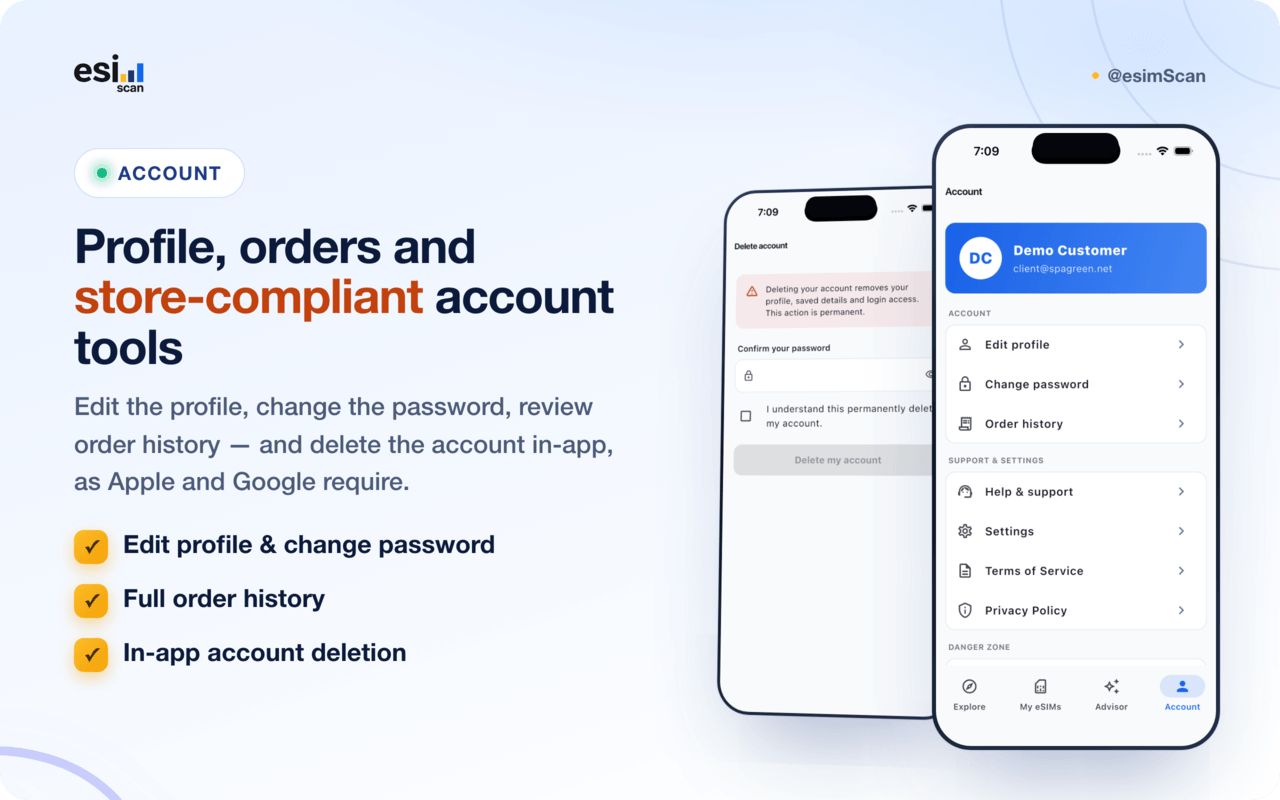
- Order history with references and amounts
- Profile — edit details, change password
- In-app account deletion — required by both the App Store and Google Play
- Terms of Service and Privacy Policy links, served from your backend
Design & theming
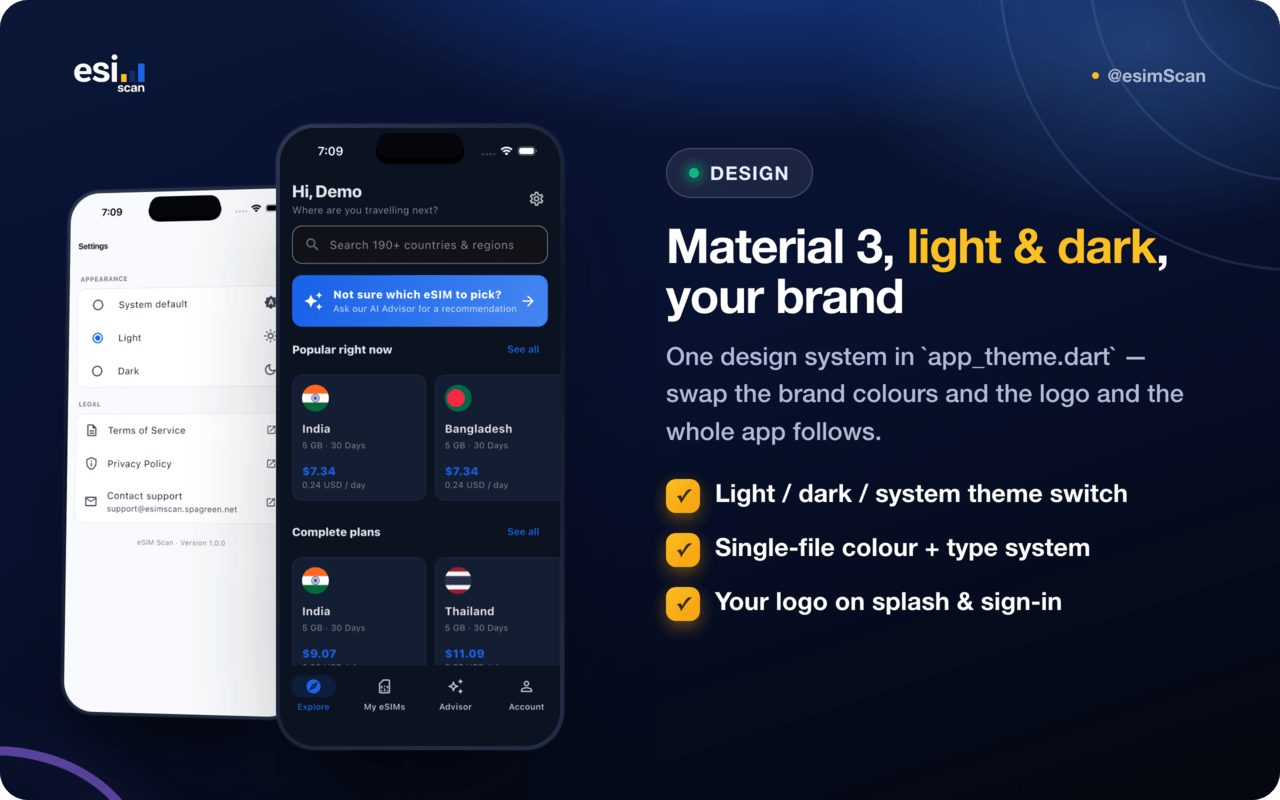
- Material 3 with a hand-tuned brand palette — blue, navy and the eSIM Scan yellow accent
- Full light and dark themes plus a system default option the user can change
- All colours, radii and typography live in
lib/core/theme/app_theme.dart - Swap
assets/images/and re-run the icon/splash generators to fully rebrand
Security & privacy
- Auth tokens stored in the iOS Keychain / Android EncryptedSharedPreferences
- Laravel Sanctum bearer-token auth against the backend
- Only the INTERNET permission — no camera, photos, location or contacts, so no runtime permission prompts and nothing extra to declare in App Privacy / Data safety
- No third-party ad or tracking SDKs
Technology
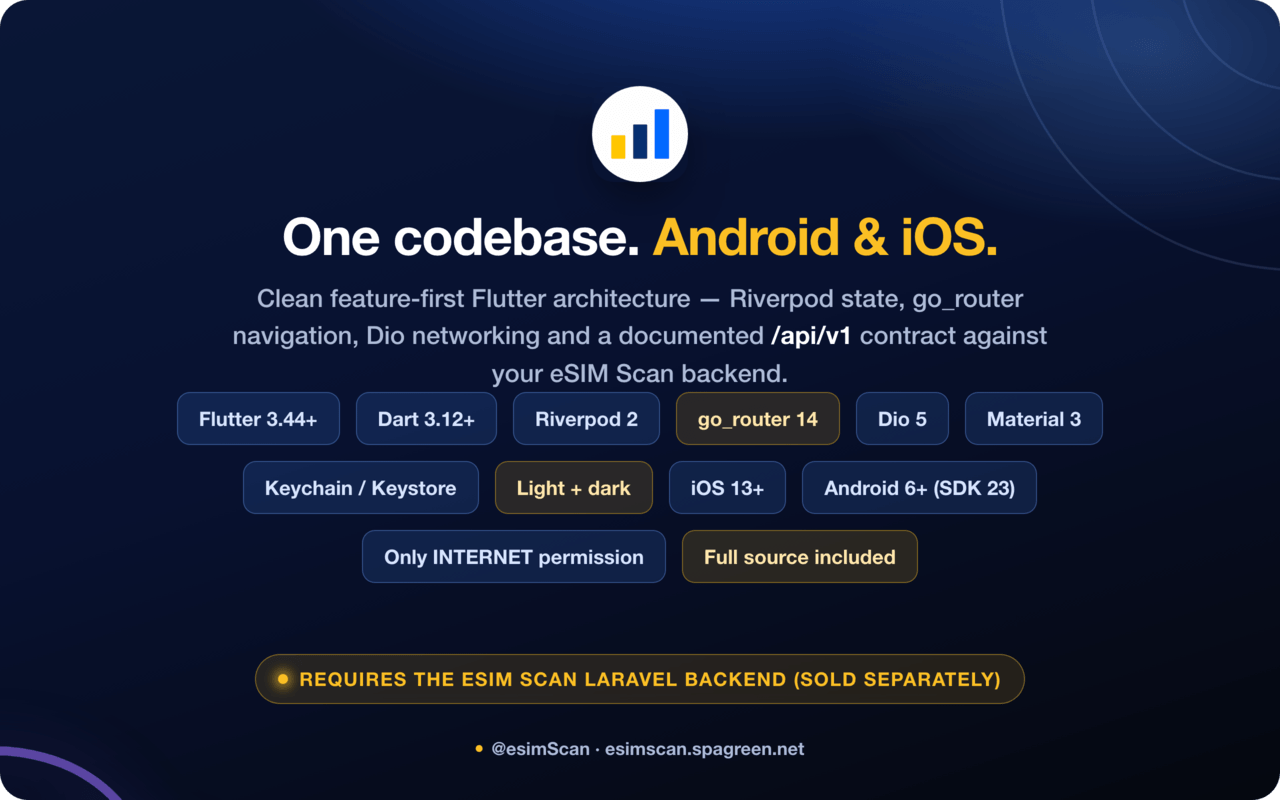
- Flutter 3.44+ · Dart 3.12+
- Riverpod 2 for state management
- go_router 14 for auth-aware navigation
- Dio 5 for networking, with typed models and a shared API client
flutter_secure_storage,shared_preferences,cached_network_image,url_launcher,intl- Feature-first architecture: every feature has
data/,domain/,application/andpresentation/layers
Requirements
- The eSIM Scan Laravel backend (separate item) running on a public HTTPS URL
- Flutter SDK 3.44 or newer
- Android Studio + Android SDK for Android builds (minSdk 23 / Android 6.0)
- macOS with Xcode 15+ for iOS builds (iOS 13+)
- Apple Developer and/or Google Play developer accounts to publish
Setup in three steps
flutter pub get- Point the app at your store:
flutter run --dart-define=API_BASE_URL=https://yourstore.com/api/v1 - Drop your logo into
assets/images/and rundart run flutter_launcher_iconsanddart run flutter_native_splash:create
Then build: flutter build appbundle --release (Play) or flutter build ipa (App Store). Full instructions are in the included documentation/index.html, included in the download.
Third-party costs
The app itself has no runtime costs. Anything it displays comes from your own backend, which may bill you separately: eSIM suppliers (Airalo, eSIM Access, Maya Mobile, eSIM Go), payment processors (Stripe, PayPal) and, if you enable the advisor, an AI provider (OpenAI, Claude / Anthropic or DeepSeek). Those fees are billed to your own accounts and are not included in the purchase price. Publishing to the App Store or Google Play also requires their own developer accounts and fees.
$59 |
Download |
0 average based on 0 ratings.

| Last Update | 2026-08-27 |
| Created | 2026-08-27 |
| Sales | 0 |
| Discussion | Comments |
| Software Version | Flutter 3.x |
| Files Included | Dart YAML |
| Video Preview Resolution |


