ElemForm7 PRO - Advanced Elementor Widget for Contact Form 7
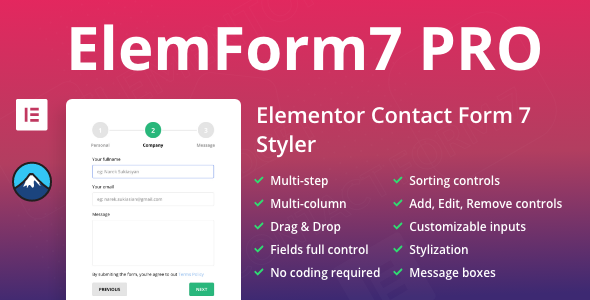

Premium Contact Form 7 widget for Elementor and Elementor Pro
Creating a contact form for your website can be a hassle. But with the ElemForm7 widget, you can easily build, customize, and add various functions to your contact form page. With our customization options, you have full control over your contact forms, allowing you to tailor them to your exact needs. No need to spend days coding – simply use our drag-and-drop Elementor Widget for a fast and efficient way to create your contact form..
Multi-Step and Multi-Column Forms
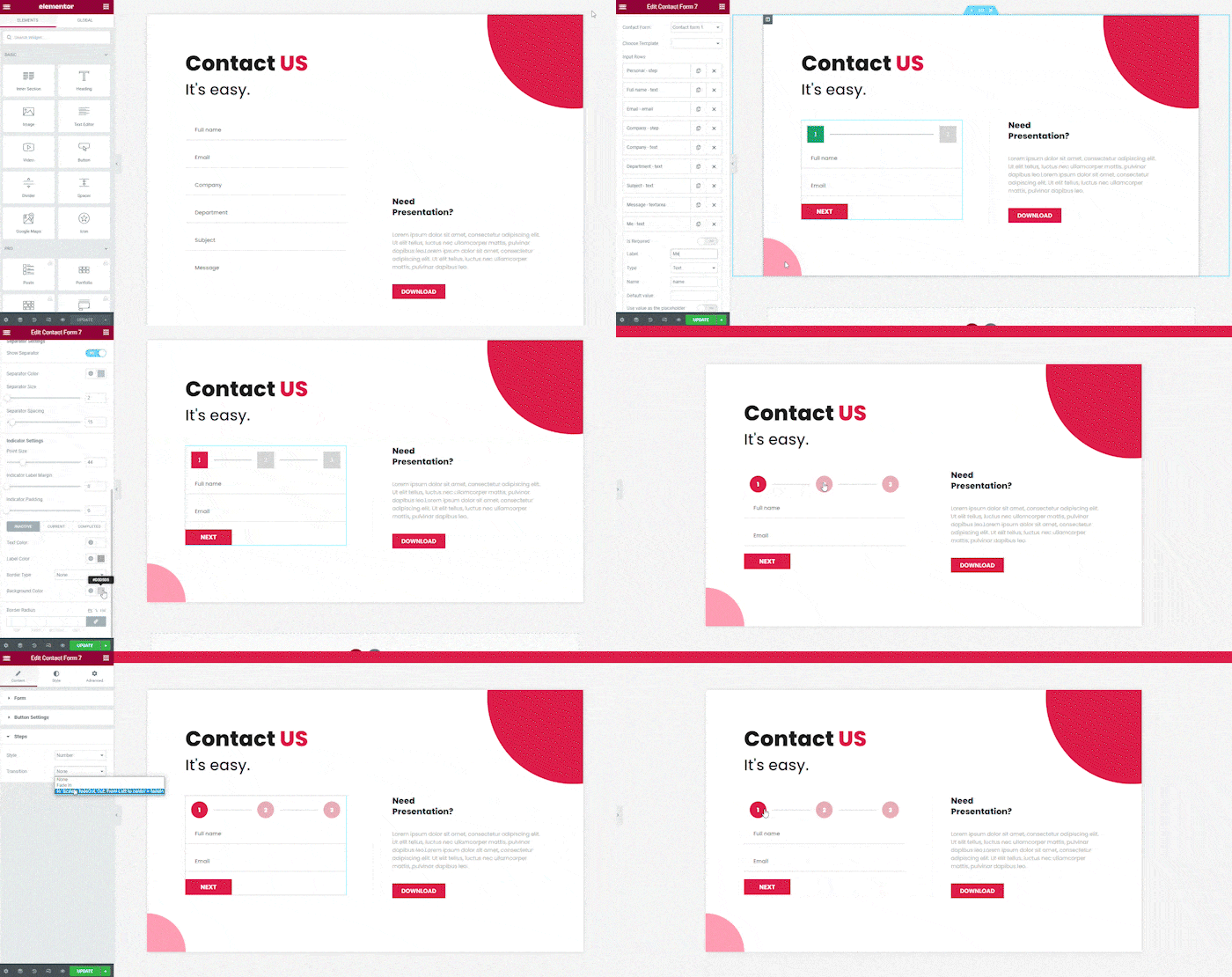
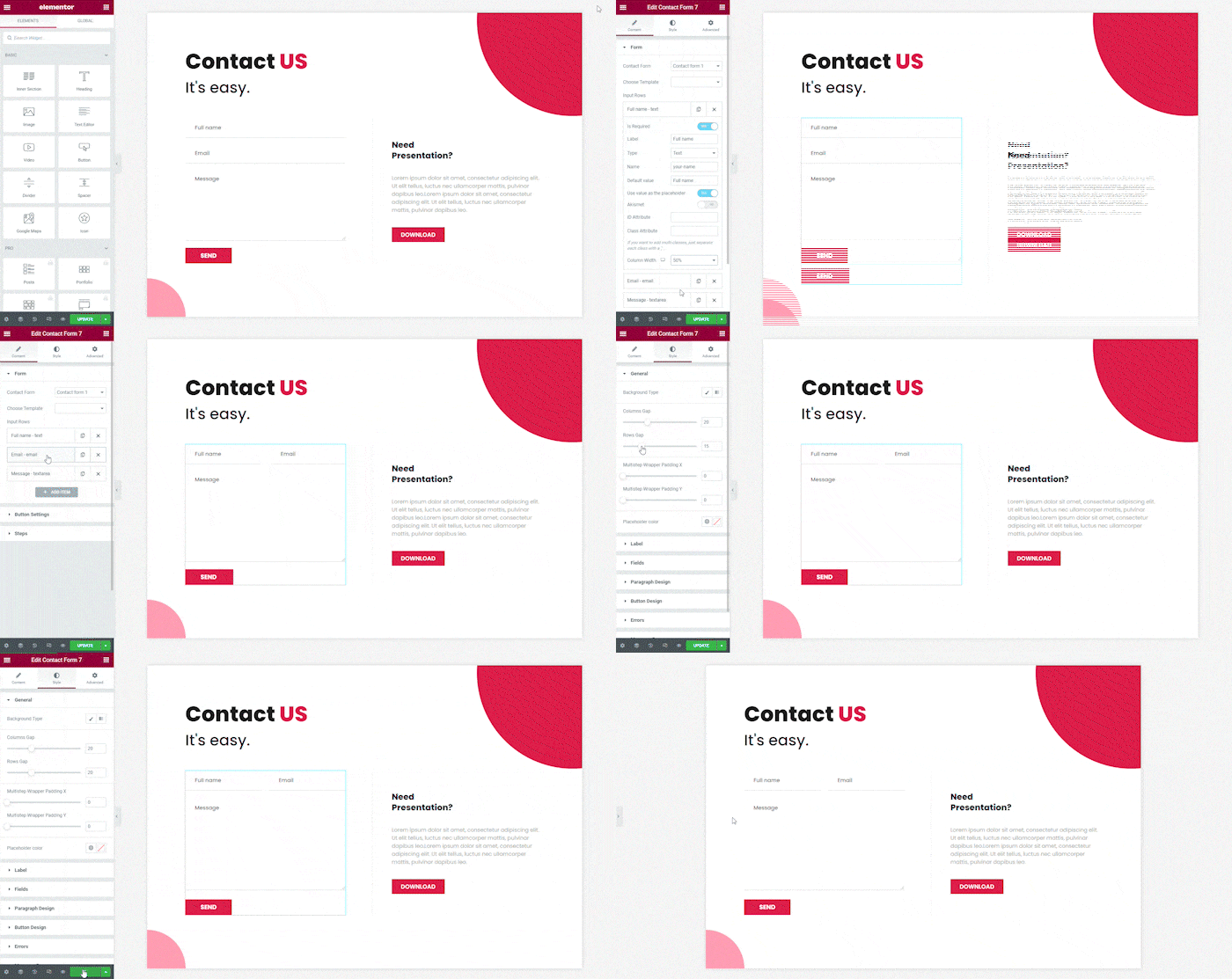
Our plugin includes a Multi-Step function that allows you to divide the application or registration process into several sections, making it easier for your applicants. With Multi-Column forms, you can create responsive forms that adapt to any screen size without any coding. Customize the column sizes to suit your needs and stylistic preferences.
Customizable Inputs and Styling
Easily control and sort your inputs with Elementor, without coding. You also have access to functions like adding, removing, or editing inputs. Our plugin gives you countless options to customize the input fields and their styles, such as borders, border colors, shadows, background colors, text colors, and text highlights.
Customizable Message Boxes
Fully customize your message boxes with our plugin. You can control the positioning, alignment, style, borders, border colors, text, text backgrounds, etc. Error messages can also be customized, and can appear under specific inputs.
Check out our demo videos for a better understanding of our plugin’s features and capabilities:



Features:
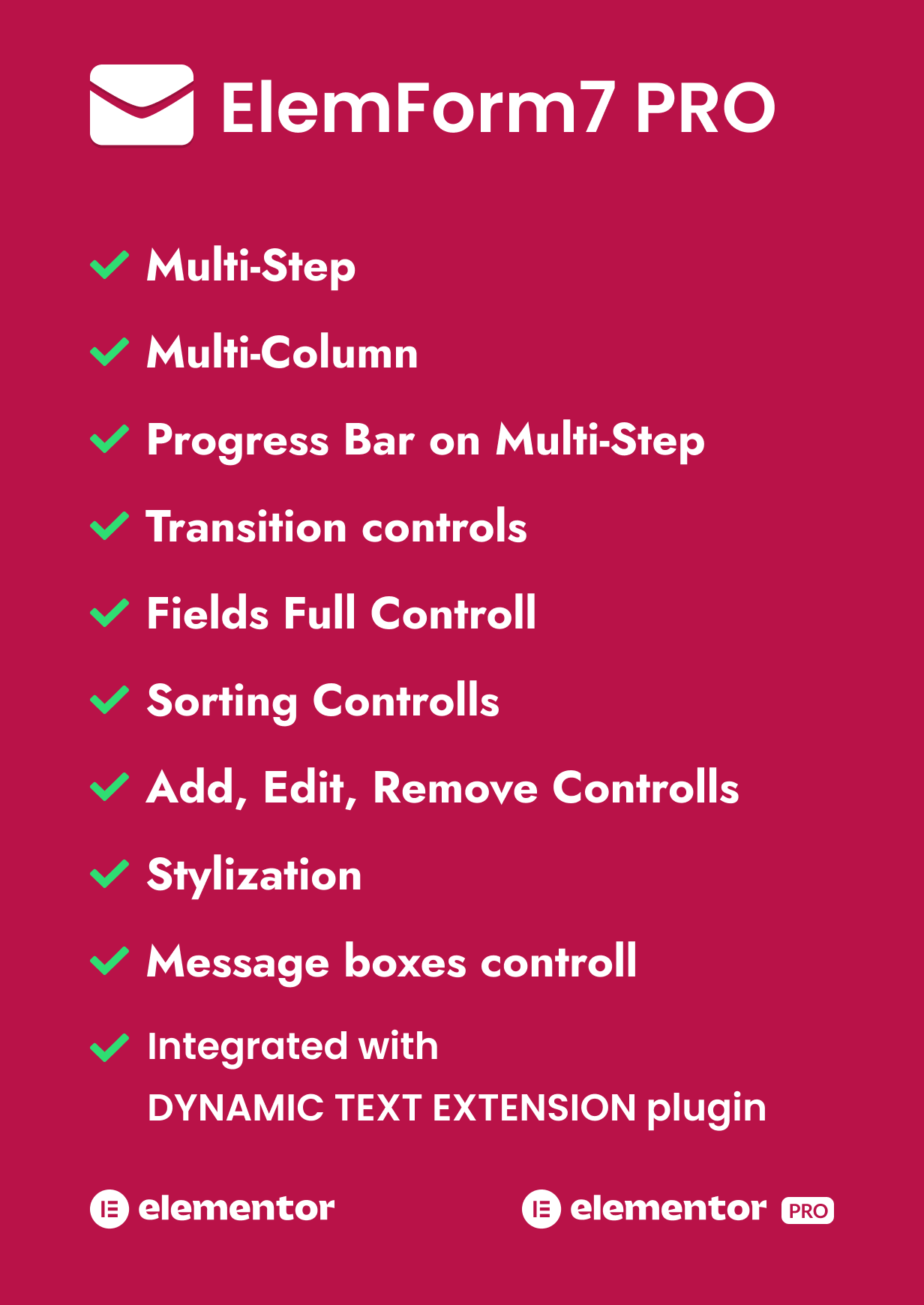
- Elementor Widget for Contact Form 7
- Multi Column Format Available
- Multi Step Format Available
- Choose transition type for Multi-step Forms
- Working with Elementor free version
- Integrated with Dynamic Text Extension plugin
- Create tab or point design of your multi-step form
- Responsive, Fits Perfectly On Any Screen
- Sorting Inputs and easy-to-use control over variables
- Add, Delete and Edit inputs using Elementor tools
- Easily create multi-columns forms from scratch
- Message box control
- Validation error design
- Full Customization and Stylizing
- No Coding Required

Changelog
Version 1.8.1 ( September 13, 2023 )
> Fixed small integration issues with Elementor.
Version 1.8.0 ( July 8, 2023 )
> Integration with Dynamic text Extension plugin.
Version 1.7.1 ( June 29, 2023 )
> Minor changes
Version 1.7.0 ( June 28, 2023 )
> Added Progress Bar feature > Improved Steps Tab and Point types
Version 1.6.4 ( May 10, 2023 )
> Added transition duration control
Version 1.6.3 ( January 11, 2023 )
> Changed the default labels system
Version 1.6.2 ( December 29, 2022 )
> Updated plugin for the new version of Contact Form 7
Version 1.6.1 ( December 13, 2022 )
> Debugging issue ( undefined variable in frontend part )
Version 1.6 ( October 29, 2022 )
> Added tools for controlling the design of the select field. ( font size, height for Safari browsers ) > Fixed submit ( next, prev ) buttons full-width issues.
Version 1.5 ( August 8, 2022 )
> Elementor Global Settings integration with the widget. > Added tabs type of steps. > Separated fonts for step labels and indicators. > Changed the Default layout. > Updated widget icon
Version 1.4 ( January 9, 2022 )
> Fixed issue with multi-column functionality. > Added feature for editing select ( dropdown ) lists
Version 1.3 ( April 7, 2021 )
> Fixed issue with admin panel
Version 1.2 ( March 6, 2021 )
> Added transitions for steps > Background color changer for step wrapper
Version 1.1 ( March 6, 2021 )
> Multi-step feature added > Added Radio Field control > Added Checkbox Field Control
Version 1.0 ( February 27, 2021 )
> Version 1.0 Initial Release
$29 |
Download |
5 average based on 4 ratings.

| Last Update | 2024-03-19 |
| Created | 2021-02-27 |
| Sales | 102 |
| Discussion | Comments |
| Compatible Browsers | IE11 Firefox Safari Opera Chrome Edge |
| Software Version | WordPress 6.3.x WordPress 6.2.x WordPress 6.1.x WordPress 6.0.x WordPress 5.9.x WordPress 5.8.x WordPress 5.7.x WordPress 5.6.x WordPress 5.5.x WordPress 5.4.x WordPress 5.3.x WordPress 5.2.x WordPress 5.1.x WordPress 5.0.x |
| Compatible With | Elementor Elementor Pro |
| Gutenberg Optimized | No |
| High Resolution | Yes |
| Files Included | JavaScript JS CSS PHP |
| Video Preview Resolution | 640x360 |


