WooCommerce DIGIPIN

Digipin for WooCommerce
Digipin for WooCommerce lets store owners add location tagging directly to the checkout process. Customers can enter their billing or current location, and the generated Digipin code is displayed in their order summary and details for easy tracking.
Admin can enable or disable the Digipin feature anytime from the backend. This offers full control over how location data is collected and used during checkout. It simplifies order handling and makes tracking smoother for both buyers and sellers.
NOTES:
- The Digipin for WooCommerce plugin is compatible with the default WooCommerce checkout flow.
- Check how to activate your WooCommerce plugin using the purchase code and get updates on Webkul Modules directly on the Plugins page.


Video Tutorial

Why Digipin Plugin is Useful?
Main Features
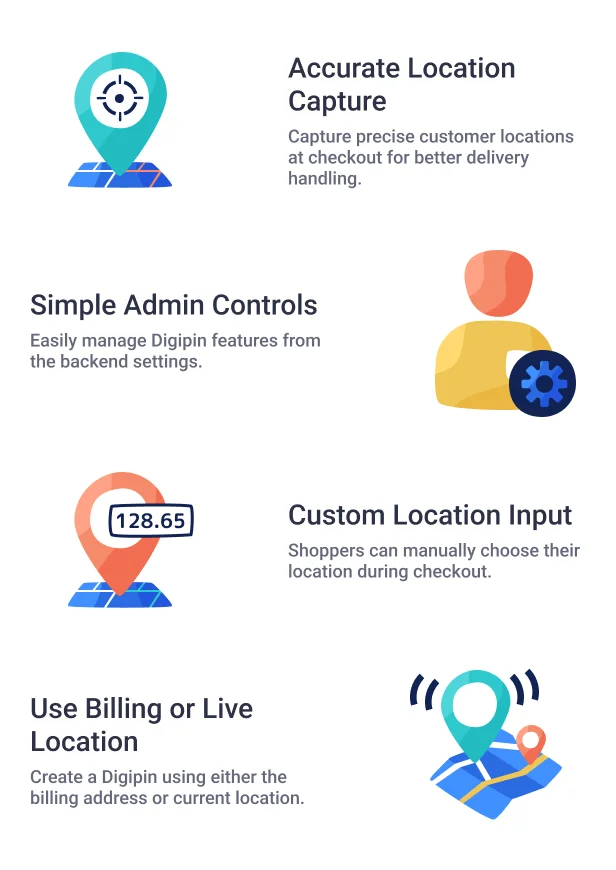
- Enable or disable the Digipin feature from the backend.
- Customers can select a location during checkout.
- Use either billing or current location to create Digipin.
- Digipin code appears in both order summary and order details.
Highlighted Features of Digipin for WooCommerce
- Smart Location Tagging
Get exact customer locations at checkout for smoother deliveries. - Easy Admin Settings
Control Digipin features with a simple backend option. - Manual Location Choice
Buyers can set their location on the checkout page. - Billing or Current Location
Use billing address or live location to create Digipin. - Order Tracking Info
Digipin code shows up in order summary and details. - Fits with WooCommerce Checkout
Works smoothly with the default WooCommerce flow.
Business Use
Digipin for WooCommerce helps store owners collect correct location details during checkout. It reduces errors in address entry and supports smoother order deliveries.
Customers can provide their exact location using either their billing address or live position. The Digipin code helps with tracking, making the process more transparent for both admin and customer.
Support

Dear Customers, if you have any questions, please raise a ticket at webkul.uvdesk.com. We’re here to help and will respond as quickly as possible. Please contact us before leaving a rating—we’re happy to assist you!
"Initial Release v 1.0.0" "Current Release v 1.1.0"
=== v 1.1.0 (2026-07-01)=== Fix: Updated `woocommerce_store_api_checkout_update_order_from_request` hook to properly extract and save coordinate order meta in Block checkouts. Fix: Resolved map state persistence and coordinate overwriting bugs during checkout refreshes. Fix: Improved address autocomplete workflow and UI popup syncing. Fix: Addressed dual-update bug where shipping and billing coordinates were incorrectly overriding each other. New: Added support for full state synchronization with WooCommerce Blocks Checkout. New: Added specific logic to handle "Use same address for billing" in WooCommerce Blocks to ensure correct coordinate sync. New: Added an interactive two-column map preview in Admin Settings to set Default Latitude and Longitude visually. New: Added a dynamic toggle in Admin Settings to show/hide the Delivery Radius input based on the checkbox state. New: Added Delivery Radius Validation setting to restrict orders outside a specific radius (in km). New: Added Smart Mobile UX logic requiring two-finger map panning to prevent checkout scrolling lock. New: Added Custom Map Marker support via image URL with a fallback default module pin. New: Added multi-provider geocoding support (Google Maps, Mapbox, OpenStreetMap).
=== v 1.0.1 (2025-08-20)=== Fixed: Minor issues.
=== v 1.0.0 (2025-08-14)=== Initial release
$175 |
Download |
0 average based on 0 ratings.

| Last Update | 2026-07-14 |
| Created | 2025-08-15 |
| Sales | 2 |
| Discussion | Comments |
| Compatible Browsers | IE11 Firefox Safari Opera Chrome Edge |
| Software Version | WordPress 7.0.x WordPress 6.9.x WordPress 6.8.x WordPress 6.7.x |
| Compatible With | WooCommerce 10.x.x WooCommerce 9.x.x |
| Gutenberg Optimized | No |
| High Resolution | No |
| Files Included | JavaScript JS HTML CSS |
| Video Preview Resolution |


