CoSpaze - Coworking Space Booking Flutter App | Multi-vendor | Firebase Backend








Cospaze App Testing Flow
User Side Flow (Appointments Management)
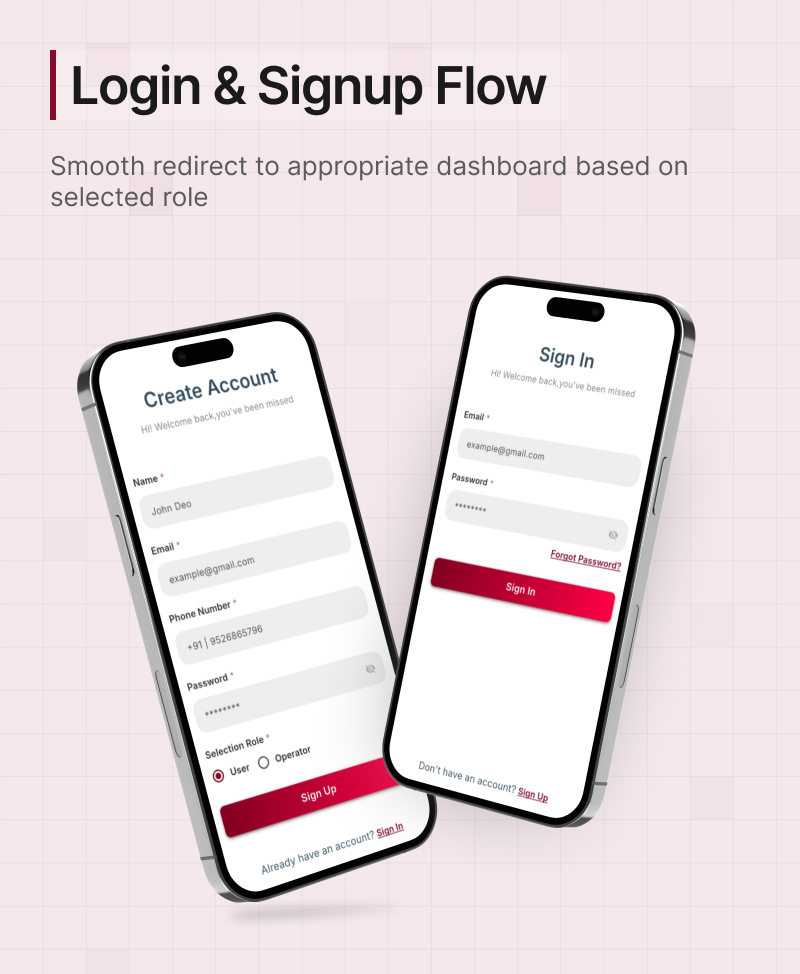
- Login using the test credentials:
- Email:
mark@yopmail.com - Password:
Mark@123
- Email:
- After login, view featured workspaces on the dashboard.
- Navigate to Spring Works (workspace) to view services, images, and amenities.
- Explore all available services:
- Community Lounge
- Shared Space
- Private Pod
- Breakout Space
- Select a service and click Book Now.
- Choose your preferred date and number of seats.
- Proceed to the payment screen and complete payment via Flutterwave, Stripe, or E-Wallet.
- Go to the My Bookings section to view and manage confirmed bookings.
Operator Side Flow (Appointments Management)
- Login using operator test credentials:
- Email:
smith@yopmail.com - Password:
Smith@123
- Email:
- View all workspace appointments in the dashboard.
- Manage appointments by reviewing booking details and accepting based on availability.
Login Access Credentials
User Login
- Email:mark@yopmail.com
- Password:Mark@123
Operator Login
- Email:smith@yopmail.com
- Password:Smith@123
️ Admin Login
- Email: demoadmin@gmail.com
- Password:Demoadmin@123
Note: These credentials are for testing/demo purposes only.
CoSpaze – On Demand space Booking App
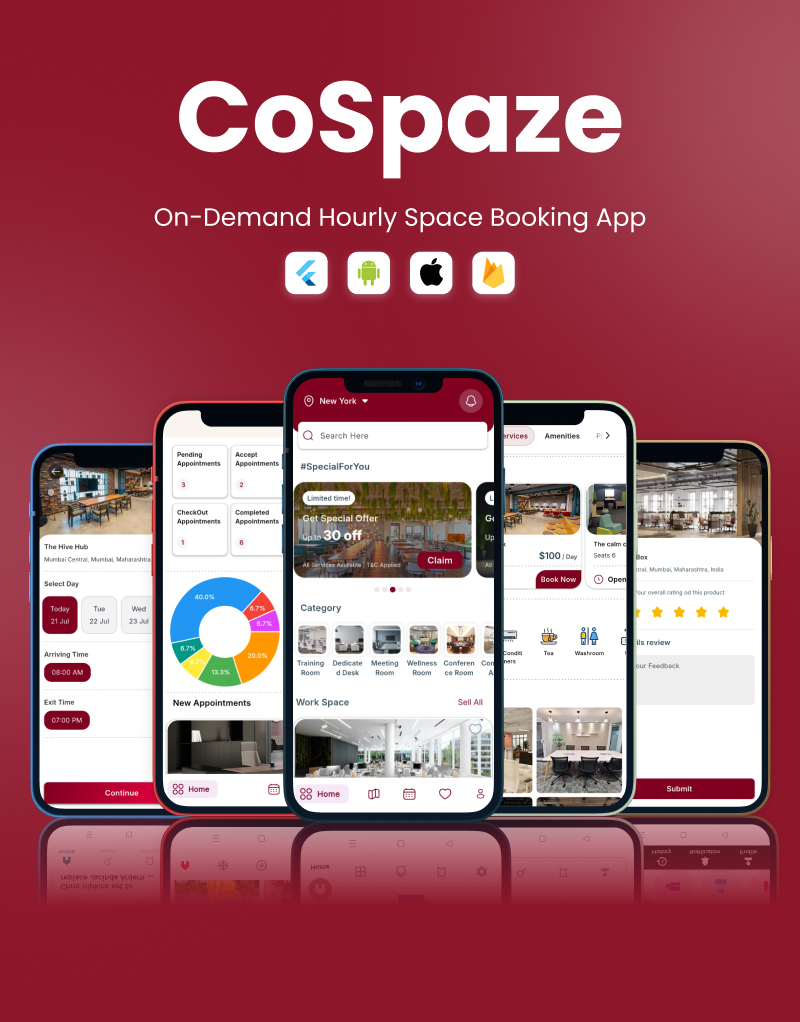
CoSpaze is an innovative on-demand space booking app designed to simplify the process of finding and reserving workspaces. Whether you need a quiet place to focus, a collaborative environment for your team, or a venue for an event, CoSpaze has you covered. With a user-friendly interface and a wide range of available spaces, booking your ideal workspace has never been easier.
What is CoSpaze?
CoSpaze is a cutting-edge mobile application that allows users to book workspaces on demand. With its intuitive interface and powerful features, CoSpaze makes it easy to find and reserve the perfect space for any occasion.
Features
1. User App (CoSpaze USer)
- For individuals looking to find and book coworking spaces.
- Browse coworking spaces near your location
- Real-time booking of desks, cabins, or meeting rooms
- Map integration for directions
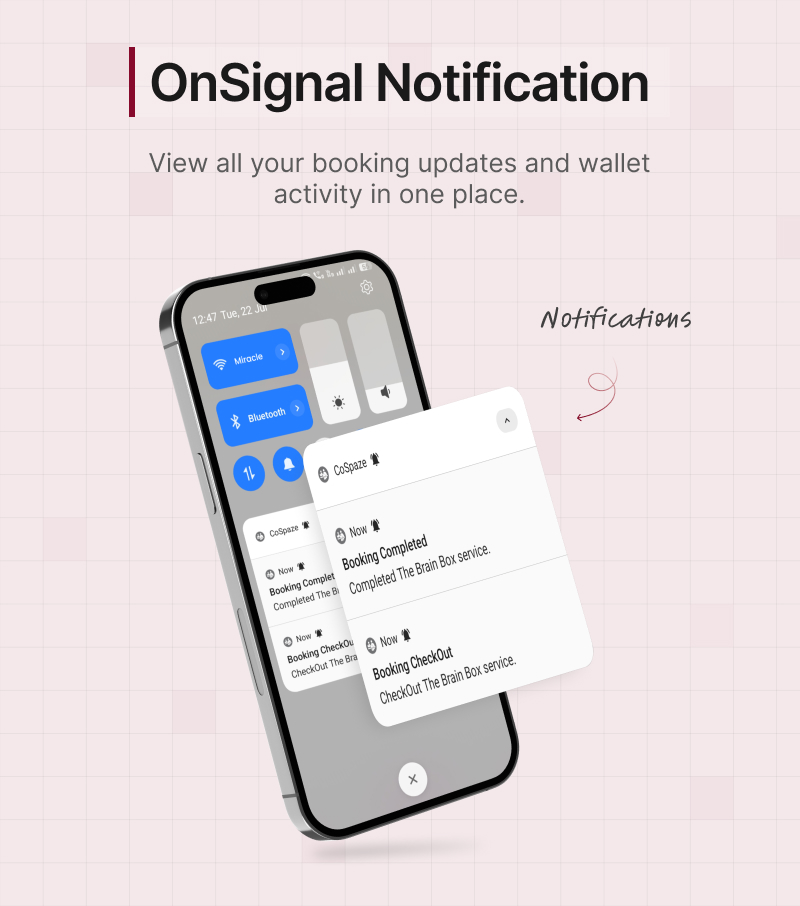
- Instant push notifications for confirmations and reminders
- Cancel bookings directly from the app
- Leave reviews and ratings for coworking spaces
- Manage wallet balance and view transaction history
- View detailed amenities offered at each coworking space
2. Operator App (CoSpaze Operator)
- Manage bookings, availability, and workspace schedules
- Track daily check-ins and monitor space utilization
- Modify listings: update pricing, availability, descriptions, and images
- Add and manage workspace amenities (Wi-Fi, parking, etc.)
- Add workspace services like meeting rooms, service areas, private cabins
- Upload high-quality images to showcase the workspace
- View total bookings, order count, and average earnings
- View beautiful reviews and ratings added by users
- Manage wallet and handle withdrawal requests securely
- Add and edit your own workspace details: name, image, address, location, open/close time, etc.
- Receive real-time updates from users on bookings or inquiries
3. Admin App (CoSpaze Admin)
- View total bookings, order count, and calculate average order value
- Update system-wide settings, rules, and platform configurations
- Receive real-time updates from users and operators on bookings
- Track daily check-ins and workspace performance metrics
- Add and manage workspace categories (e.g., meeting rooms, private cabins, conference halls, etc.)
- Create and manage workspace offers, discounts, and promotions
- View and manage all coworking spaces on an integrated Google Map
- Approve or reject operator listing requests with verification
- Manage wallet and handle withdrawal requests securely
Change log
1.0.0 – 29/07/2025
- Initial Release
Refund Policy
- We do not offer a refund if the product is downloaded so before purchasing the product check all descriptions we wrote then if you like it then buy it.
- One more thing, we do not provide a refund if you buy a product by mistake. Please remember these things Before buying our product so you do not get any mistakes.
Support Policy
- Our support team is available to solve your code related problems. Connect to us via email or skype we will try our best to solve your problem as soon as possible.
- If you have any query before purchase our product, connect to us via our Mail MirecalMind
- For your support, drop a rate and write a review at: https://codecanyon.net/downloads it will help us to stay motivate and update to date.
- Check out our Support Policy
0 average based on 0 ratings.


