Copyscaper - Run Your Posts Through Copyscape Directly in Your WordPress Dashboard
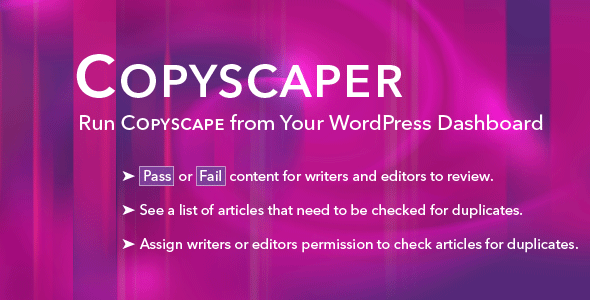

This plugin harnesses the Copyscape API and lets you check for plagiarism directly in your WordPress dashboard. Keep track of articles that pass or fail, so your editors and writers can go back and review them for duplication. You can also give permission to editors and writers to run a plagiarism check and keep track of Copyscape results directly in WordPress’ Post page.
Most blog owners are concerned with plagiarism. If you hire outside writers for your blog, you should be checking for plagiarism. Copyscape is the #1 plagiarism checker that finds any duplication across the Internet. It can even check to find if someone is copying your articles without your knowledge.
Copyscaper takes care of this so that you don’t need to copy and paste text from your writer’s documents into the Copyscape interface. Instead, check for plagiarism directly in your dashboard, and flag each article so that you know it’s already been checked. No more checking articles multiple times. Copyscaper keeps track of whether an article passes or fails.
It’s also useful when you have writers that upload directly to WordPress. You can either check the articles yourself or give editors and writers permission to check as they upload files.
1.5 average based on 4 ratings.

| Last Update | 2017-10-09 |
| Created | 2017-10-09 |
| Sales | 41 |
| Discussion | Comments |
| Compatible Browsers | IE8 IE9 IE10 IE11 Firefox Safari Opera Chrome Edge |
| Software Version | WordPress 4.8.x WordPress 4.7.x WordPress 4.6.1 |
| Compatible With | |
| High Resolution | No |
| Files Included | JavaScript JS PHP |
| Video Preview Resolution |


