Cloudflare Turnstile CAPTCHA Plugin for Rise CRM


Note: This is a plugin for RISE – Ultimate Project Manager & CRM. This is not a standalone script.
Update Instructions (Upgrading from v1.x to v2.0)
Version 2.0 is a major update and cannot be applied over an existing installation. Please follow these steps before installing:
- Back up all your files before proceeding.
- Go to your RISE CRM plugin manager and delete the existing Turnstile plugin.
- Install version 2.0 as a fresh installation.
NEW in Version 2.0 – Form-Specific Protection
Version 2.0 introduces form-specific protection levels — giving you full control over how aggressively each form is protected, without a one-size-fits-all approach.
Configure different security levels for each form: Sign In, Sign Up, Password Reset, Support Tickets, Lead Collection, Estimate Requests, and Order Forms.
Four protection levels available: Disabled | Guard (invisible) | Fortress (visible auto-refresh) | Vault (visible manual)
Choose a protection level per form:
DisabledNo CAPTCHA. Protection is off for this form.
GuardInvisible verification. Runs silently — users never see or interact with anything.
FortressVisible widget, auto-refreshes. Adds a visual checkpoint without manual solving.
VaultVisible widget, manual solve required. Maximum friction for high-risk forms.
Description
Stop bots without punishing real users. Cloudflare Turnstile CAPTCHA Plugin provides invisible, privacy-first bot protection that replaces Google reCAPTCHA – no code edits required, no puzzles for users, no friction in your forms.
This autonomous Cloudflare Turnstile CAPTCHA integration works as a drop-in replacement for Google reCAPTCHA. It operates independently without requiring any changes to your main Rise CRM application code.
Why Choose Cloudflare Turnstile?
Cloudflare Turnstile represents the next generation of CAPTCHA technology. Unlike traditional CAPTCHAs that frustrate users with difficult puzzles, Turnstile provides invisible protection that works silently behind the scenes.
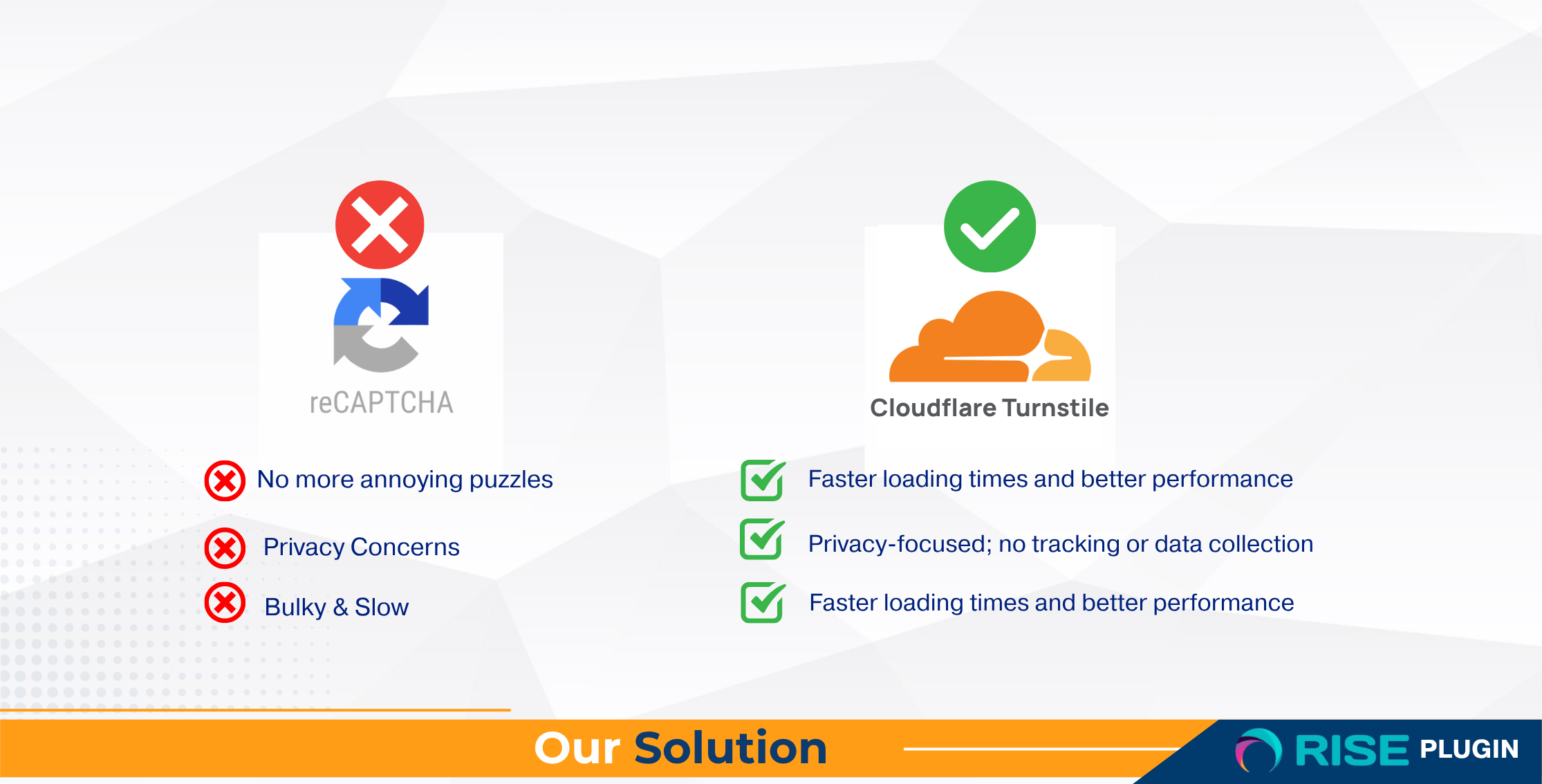
Users do not solve puzzles; Turnstile works silently in the background, keeping conversion rates high.
Privacy-First TrustBuilt to minimize tracking and fingerprinting; aligns with modern compliance expectations like GDPR.
Zero Core EditsPlug-and-play with RISE CRM; install, paste keys, enable. No developer intervention required.
Cloudflare-Level ProtectionGlobal network intelligence blocks automated abuse without slowing down legitimate human users.
Key Features
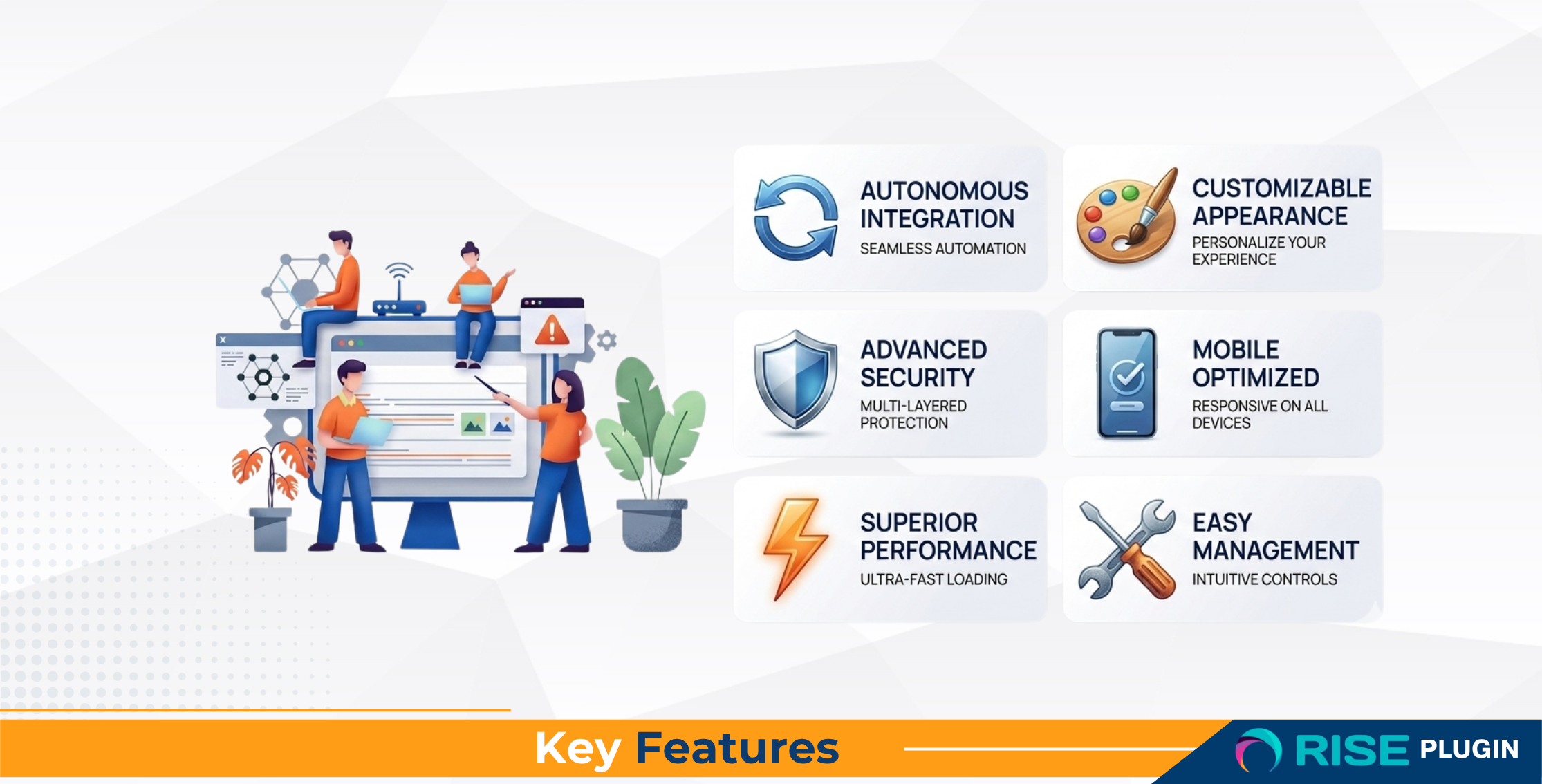
Enhanced Bot Protection – 3 New Security Layers
Honeypot Fields – Invisible trap fields that catch bots auto-filling forms Time-Based Validation – Rejects instant submissions (configurable 3-second minimum) IP Rate Limiting – Limits submissions to 5 per hour per IP addressAll bot protection checks complete in under 15ms with comprehensive logging for all security events.
How It Works (3 Simple Steps)
1 Install the PluginUpload to RISE CRM – no core file edits needed. Standard plugin installation.
2 Add Your KeysPaste your Cloudflare Turnstile Site Key and Secret Key from your Cloudflare dashboard.
3 Enable and SaveToggle on, save settings, and your CAPTCHA protection is live immediately.
Turnstile vs reCAPTCHA Comparison
Feature Turnstile reCAPTCHA User Friction Invisible Frequent puzzles Privacy Posture Privacy-first More tracking concerns Setup Complexity Drop-in, zero core edits Easy, but edits may be needed Result Higher completion rates User drop-offs possibleProtected Forms
Sign In Form Client Sign Up Form Forgot Password Form Support Ticket Form Lead Collection Form Estimate Request Form * Order FormRequirements
Server Requirements- - PHP 8.1+
- - MySQL 8.x or MariaDB
- - zlib.output_compression disabled
- - mysqli, curl, mbstring
- - openssl, gd, intl, json
- - mysqlnd, xml, fileinfo
Runs on shared hosting and cloud/VPS (minimum: 1 vCPU, 2 GB RAM, 10 GB storage)
Documentation
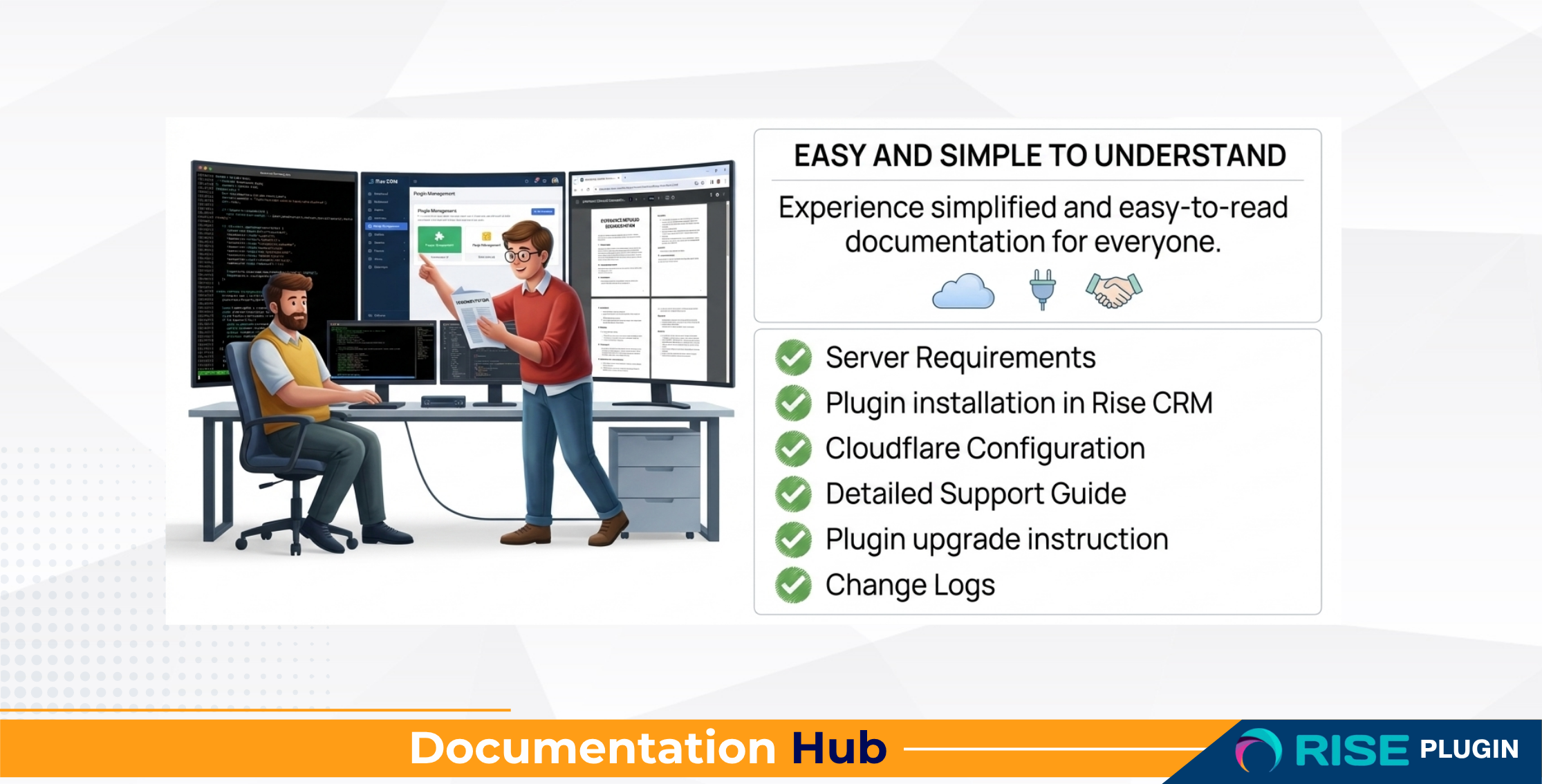
Access comprehensive documentation by clicking here
Demo
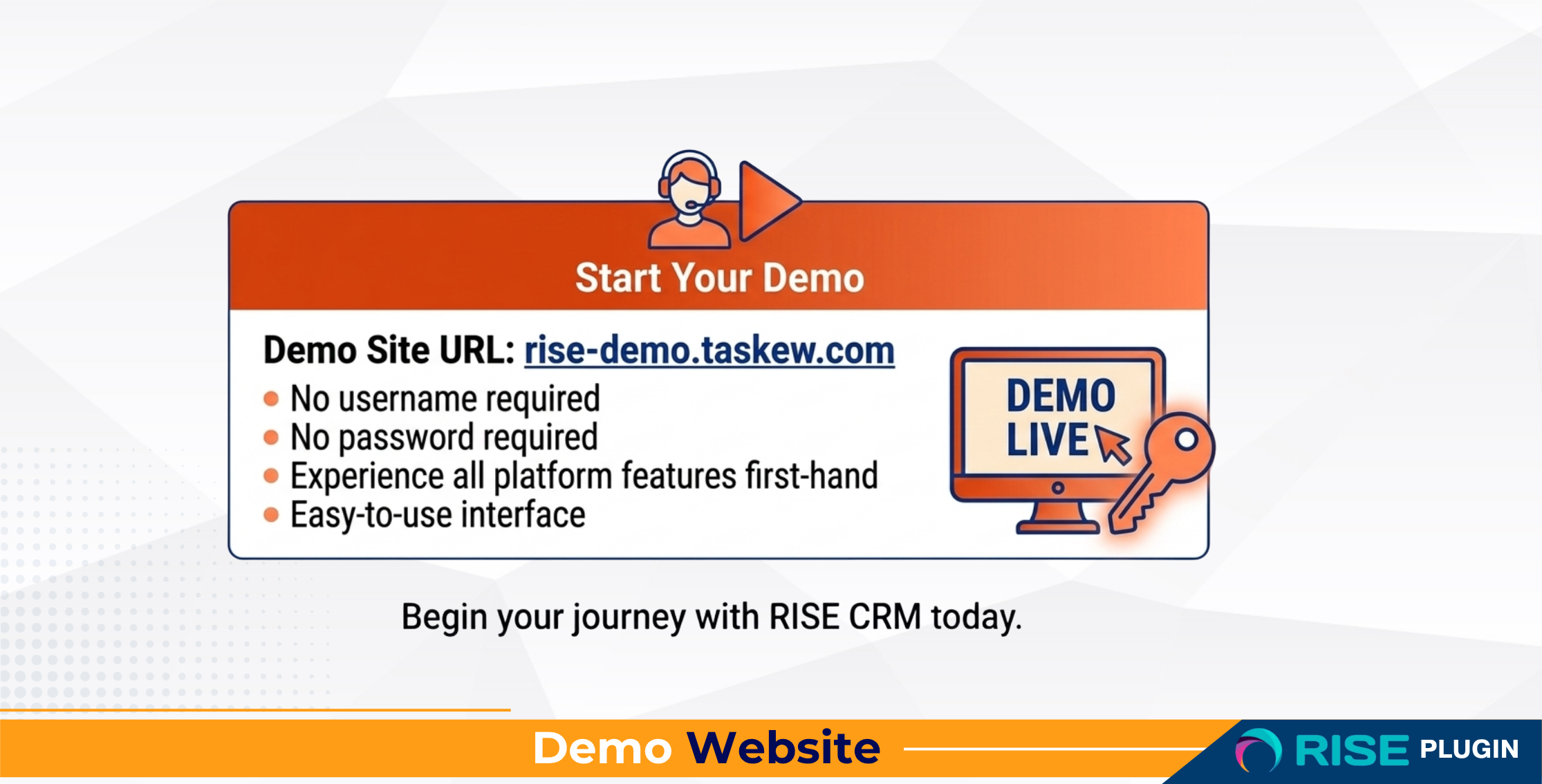
Access the demo site by clicking here (No username and password required – One-click login as Admin)
Support
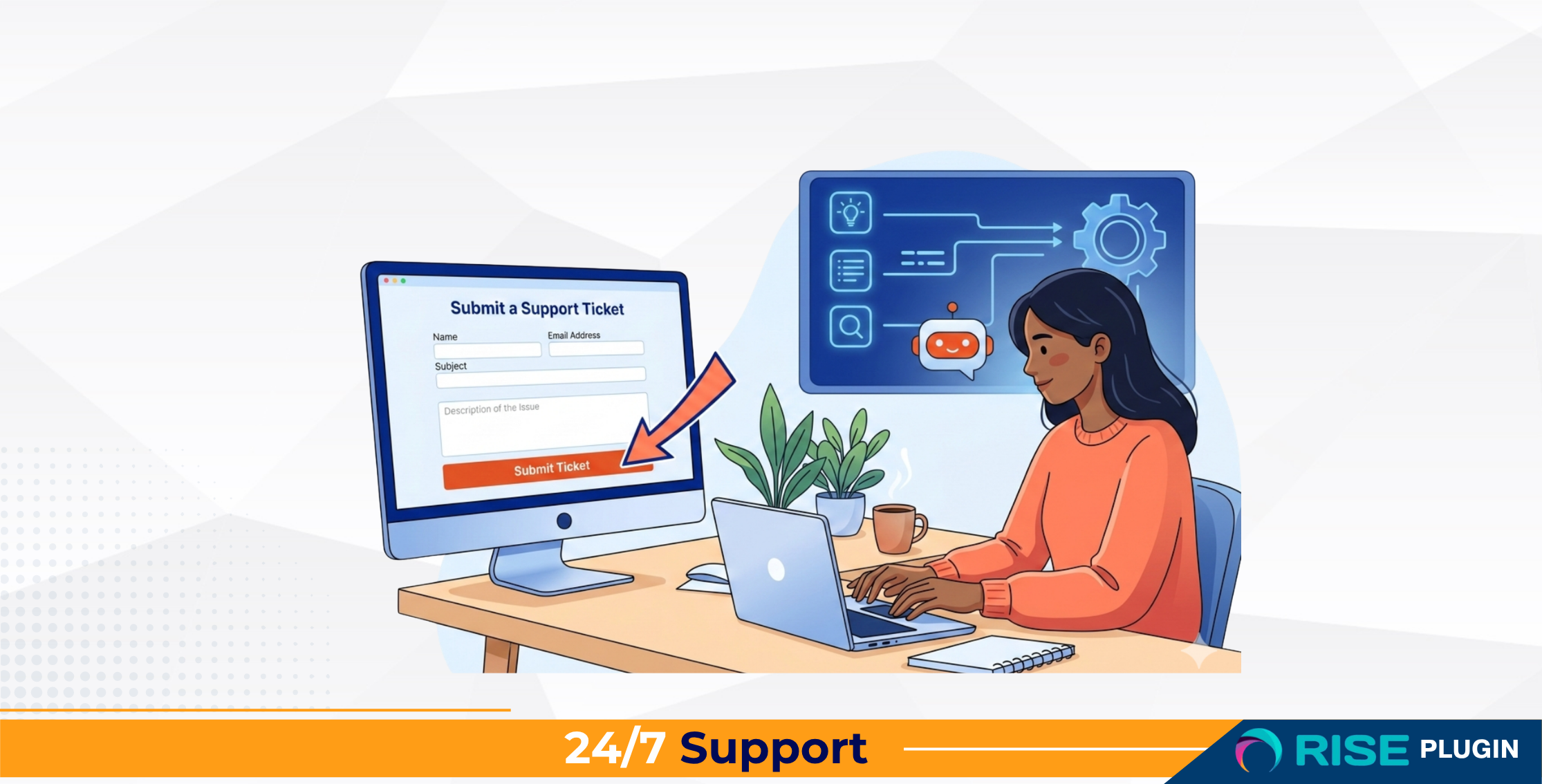
Access Support Center by clicking here (purchase code required)
Support hours: Monday – Friday, 9:00 AM – 5:00 PM EST
Change Log
v2.0.0 January 30, 2026
Form-Specific Protection
- - Configure different security levels for each form (Sign In, Sign Up, Password Reset, Support Tickets, etc.)
- - Four protection levels: Disabled, Guard (invisible), Fortress (visible auto-refresh), Vault (visible manual)
Enhanced Bot Protection (3 New Layers)
- - Honeypot Fields – Invisible trap fields that catch bots auto-filling forms
- - Time-Based Validation – Rejects instant submissions (configurable 3-second minimum)
- - IP Rate Limiting – Limits submissions to 5 per hour per IP address
UI and Performance Improvements
- - Redesigned settings page with clean, minimalist interface
- - Custom-styled dropdowns with Select2 integration
- - All bot protection checks complete in under 15ms
- - Comprehensive logging for all security events
Bug Fixes
- - Removed visual indicators for true invisible CAPTCHA experience
v1.0.0 18 September 2025
- - Initial release
- - Cloudflare Turnstile integration for RISE CRM
- - Invisible CAPTCHA verification (no user interaction)
- - Drop-in replacement for Google reCAPTCHA
- - Site Key + Secret Key configuration
- - Theme and size customization options
- - Test connection feature with status dashboard
- - CSP-friendly and cross-browser compatible
- - Secure credential handling
- - Zero core file modifications required
Frequently Asked Questions
Does this change my RISE CRM core files?
No. It is a plugin; zero core edits required. Your RISE CRM installation remains untouched.
Will it break my forms?
It is designed to detect and replace reCAPTCHA automatically where supported. If you ever see an issue, run Test Connection in settings or check the docs, then contact support with your purchase code.
Is Cloudflare Turnstile free?
Cloudflare offers a free tier that is sufficient for most use cases. You only need a Cloudflare account and your site domain.
How long does setup take?
Typically under 5 minutes: install, paste keys, enable. That is it.
What about updates and support?
You get lifetime updates (compatibility and bug fixes) and 6 months of support per Envato policy, with extended support available.
Ready to Upgrade Your UX and Security?
Join teams who have switched to invisible, privacy-first bot protection. Setup takes minutes, not hours.
Risk-free: If you hit a blocker, our support team will guide you through installation and validation during business hours (Mon-Fri, 9-5 EST).
0 average based on 1 ratings.


