Call-Me: Fast & Simple WebRTC Video Conference Progressive Web App


Call-Me – Click-to-Call Video App You Own
Self-hosted WebRTC video call app. Instant 1-to-1 calls via click-to-call links – no signup, no installs, no monthly fees.

► Try the Live Demo – No signup required
Video Calls as Simple as Clicking a Link
Add video calling to your website, support portal, or marketplace with a simple link. Users click and connect instantly – no downloads, no accounts, no friction.
- ✘ No per-user pricing
- ✘ No monthly subscriptions
- ✘ No user data leaves your server
- ✔ One-time payment, lifetime ownership
Perfect for SaaS, support desks, education, and marketplaces.
How It Works – 3 Simple Steps
1. Sign in

2. Call a user

3. Start the call
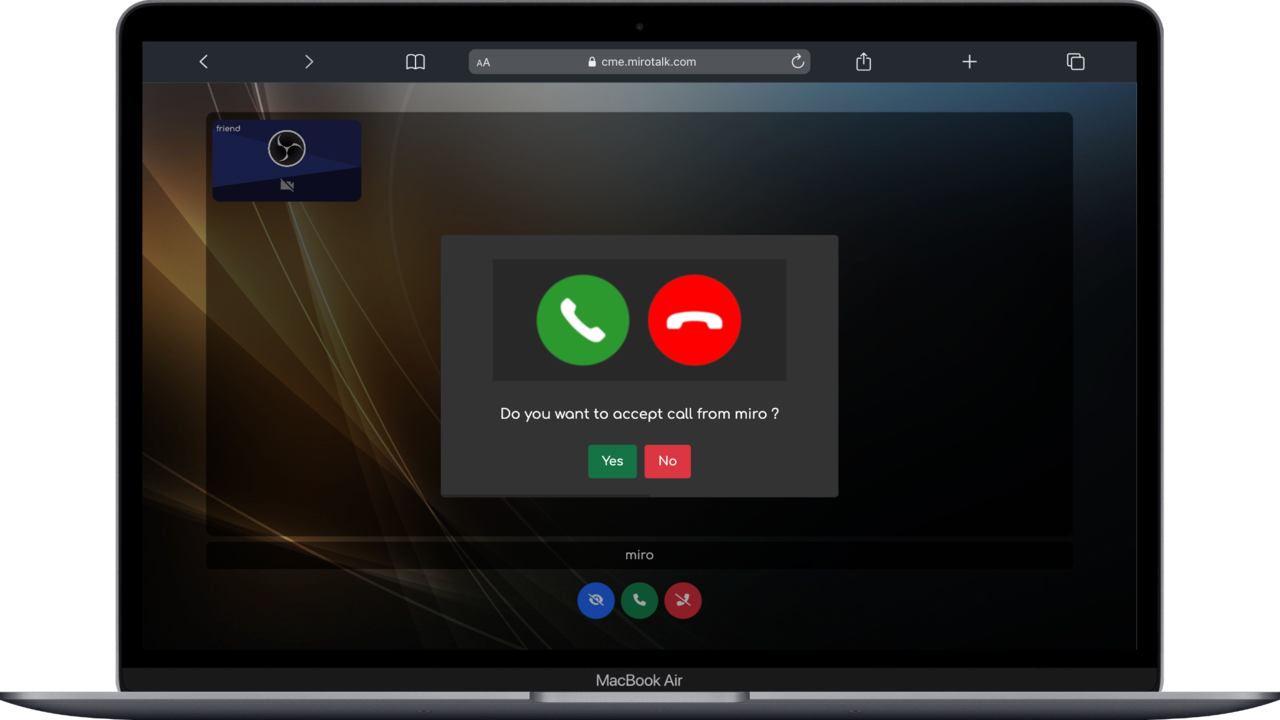
Click-to-Call Links

Generate instant call links for your users:
- User 1 joins: cme.mirotalk.com/join?user=user1
- User 2 auto-calls User 1: cme.mirotalk.com/join?user=user2&call=user1
Embed these links in emails, support tickets, or booking confirmations to start calls instantly.
What’s Inside the Package
- ✔ Full source code – customize anything, white-label ready
- ✔ REST API with documentation
- ✔ Docker support – deploy in minutes
- ✔ Iframe integration – embed in any website or app
- ✔ Step-by-step documentation
- ✔ Free lifetime updates
- ✔ Priority support via CodeCanyon + Discord
Why Choose Call-Me
- ✔ Click-to-call – users join instantly via URL
- ✔ Self-hosted – full data ownership on your server
- ✔ No signup required – zero friction for your users
- ✔ No downloads – works in any modern browser
- ✔ P2P encrypted – secure, private connections
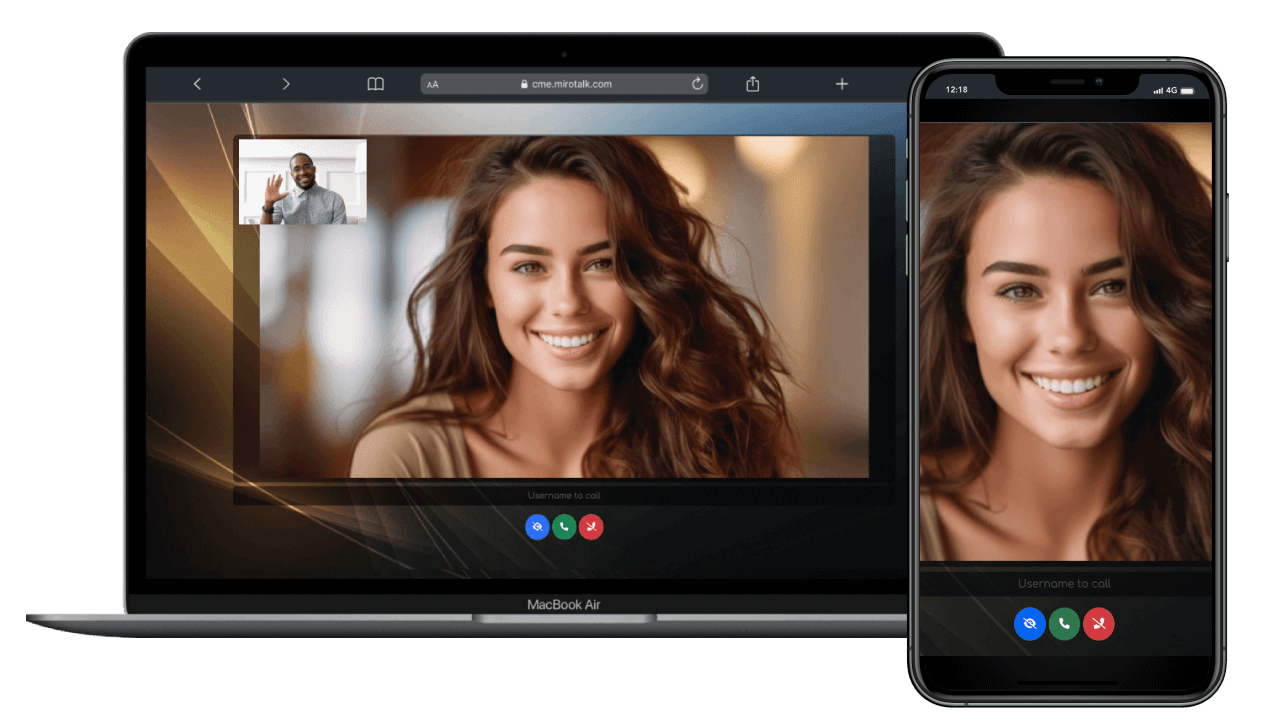
- ✔ Cross-platform – mobile + desktop
- ✔ Multi-language – internationalization built-in
- ✔ One-time license – pay once, use forever
Core Features
- ✔ HD video & audio – crystal-clear calls
- ✔ Chat messaging – text alongside video
- ✔ File sharing – send documents during calls
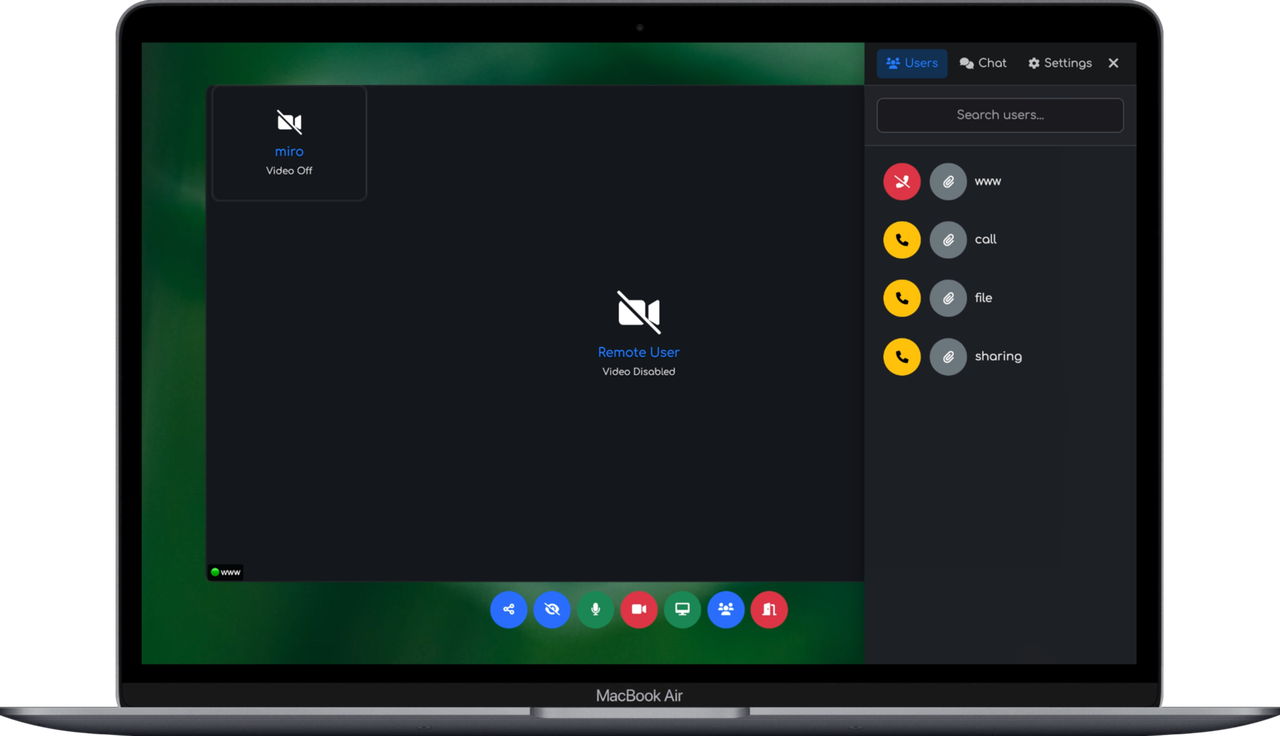
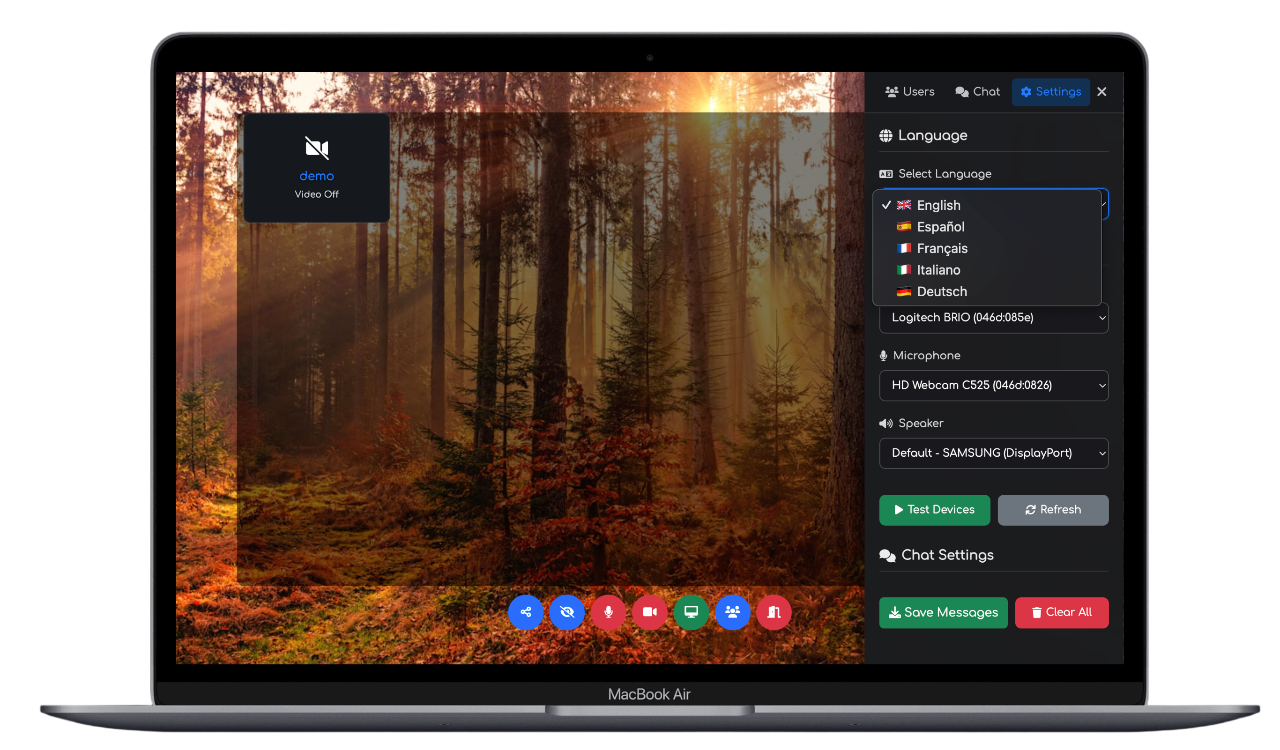
- ✔ Device settings – camera, mic, and speaker selection
- ✔ Multi-language – supports multiple languages
- ✔ Responsive UI – adapts to any screen size
- ✔ Secure connections – encrypted peer-to-peer
- ✔ Real-time performance – low latency WebRTC
Embed Anywhere in 30 Seconds
Online in Under 5 Minutes
Skip the manual setup. Our automation scripts handle everything for you – just insert your domain name and run a single command.
- ✔ SSL certificates – auto-provisioned via Let’s Encrypt
- ✔ Nginx reverse proxy – configured and optimized
- ✔ Dependencies – installed and configured
- ✔ Production-ready – from zero to live in minutes
No DevOps experience needed. Insert your domain, run the script, and you’re online.
Drop this into any HTML page, CMS, or web app:
<iframe allow="camera; microphone; speaker-selection; display-capture; fullscreen; clipboard-read; clipboard-write; web-share; autoplay; picture-in-picture" src="https://your-domain.com" style="height:100vh;width:100vw;border:0;"> </iframe>
Server Requirements
Runs on any modern Linux VPS. Deploy with Node.js or Docker.
- ✔ Node.js v18+ or Docker
- ✔ Domain with DNS + SSL
- ✔ STUN/TURN server recommended (coturn)
API
- API Documentation – REST API for programmatic user and call management
Support & Community
- ✔ CodeCanyon support with fast response
- ✔ Discord community – get help, share ideas
- ✔ Comprehensive documentation included
Buyer FAQ
Is this subscription-based?
No. It is a one-time CodeCanyon purchase under the selected license.
Can I white-label and customize?
Yes. Full source code is included for branding and custom development.
Can all apps run on one server?
Yes. Subdomain deployment is supported.
Can I charge end users for my final product?
Yes, with the CodeCanyon Extended License.
Ready to Add Click-to-Call Video?
One-time purchase. Full source code. Lifetime updates. Deploy today.
4.4 average based on 7 ratings.


