Besley - Gallery TZ Portfolio+ Template Released
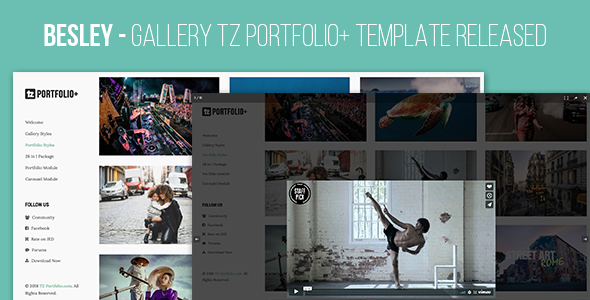

Besley is a clean and clear look with lightbox overview. It’s suitable for Gallery, Photo Page or a Showcase work.
Technical requirement
- Joomla 3.x. (Recommended Joomla 3.8.x)
- TZ Portfolio v1.2.3+
How to Install
- Go to Administrator -> Components -> TZ Portfolio Plus -> Templates
- Click “Upload” toolbar button -> Choose package Besley template -> Click “Upload & Install” Button.
- Go to Administrator -> Components -> TZ Portfolio Plus -> Styles (or Click Styles on sidebar) -> Click besley and Configure it.
- Done! Let’s insert your article and go to front-end see your Portfolio new look


How to get Support
- Go to our support forum and ask a question https://www.tzportfolio.com/help/forum.html
0 average based on 0 ratings.

Search plugins
Browse Categories


