Barcode Manager - Barcode Generator Software-Source Code


Barcode Manager 2.2
Barcode Manager 2.2 is a professional Windows desktop application for creating, designing, saving, printing, and bulk printing Barcode & QR Code labels. Create custom labels, import Excel data, preview your results, export to PDF, and print directly from your Windows-compatible printer.
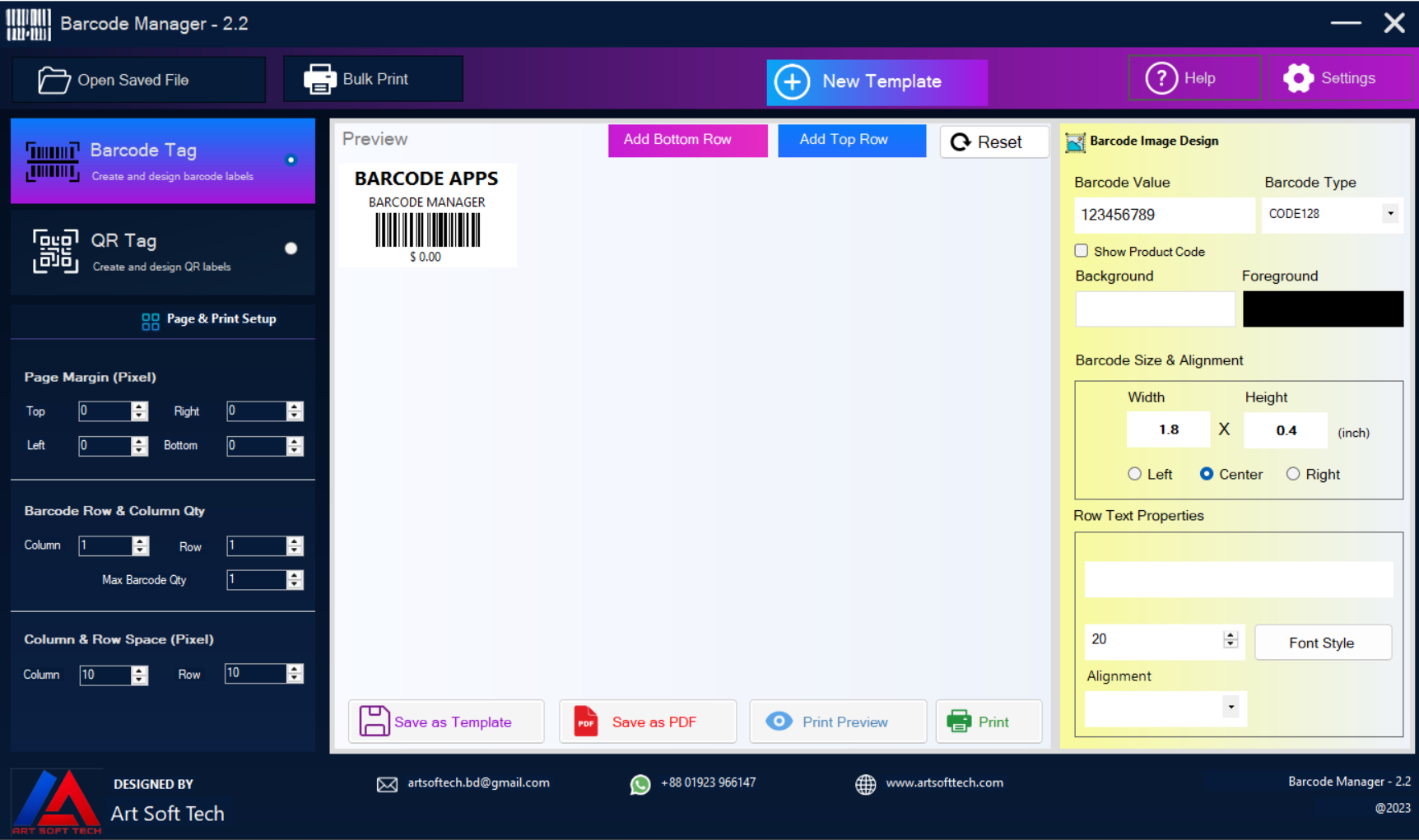
✨ Key Features
- Barcode Generator – Create professional barcode labels with supported barcode formats.
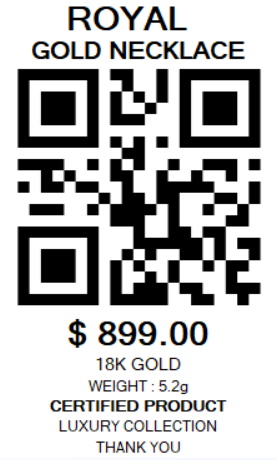
- QR Code Generator – Create customizable QR Code labels.
- Custom Label Designer – Design labels exactly the way you need.
- Live Preview – See your design while editing.
- Custom Text Rows – Add multiple rows above and below the barcode or QR Code.
- Font Customization – Change font family, size, bold, italic, strikeout, and alignment.
- Barcode Size & Alignment – Control width, height, and position.
- Foreground & Background Colors – Customize barcode and QR Code colors.
- Page & Print Setup – Configure margins, rows, columns, and label spacing.
- Reusable Templates – Save designs and open them again later.
- Dynamic Excel Format – Generate an Excel structure automatically from your label design.
- Excel Bulk Printing – Upload Excel data and generate multiple labels from one template.
- Multiple Products – Print different products using the same label design.
- Print Preview – Check the complete layout before printing.
- PDF Export – Export labels to PDF for saving or later printing.
- Direct Printing – Print labels directly from the application.
- Windows Desktop Application – Designed for offline use.
How It Works
- Create a new Barcode or QR Code label.
- Set the barcode/QR Code type, size, alignment, colors, and properties.
- Add and customize your text rows.
- Adjust page margins, rows, columns, and spacing.
- Check the design using the live preview.
- Save the design as a template, export it to PDF, or print it.
Bulk Print with Excel
Barcode Manager includes an Excel-based bulk printing system. Create one professional label design and use Excel to supply data for multiple products.
- Open Template – Open the label template you want to use.
- Generate Excel Format – Automatically generate an Excel structure based on the template.
- Enter Your Data – Add product names, barcode values, prices, sizes, and other required data.
- Upload Excel – Upload the completed Excel file.
- Validate Template & Excel – The Excel structure must match the selected template.
- Configure Print Layout – Set columns, rows, spacing, and print quantity.
- Print Preview – Review the generated labels.
- Print or Export – Print directly or export the result to PDF.
Label Design
Build your own label layout with flexible text rows around the barcode or QR Code. You can add up to 5 top rows and 5 bottom rows and customize each row independently.
- Custom text and font family
- Font size, Bold, Italic and Strikeout
- Text alignment and row height
- Barcode/QR Code position, width and height
- Foreground and background colors
- Page margins and label spacing
Save & Reuse Templates
Save your completed label as a reusable template. Open it later to edit, print, export, or use it for Excel-based bulk printing.
️ Printing & PDF
Configure your page layout, rows, columns, margins, and spacing. Use Print Preview to verify the final layout, then print directly or export the labels to PDF.
Screenshots
Barcode Designer
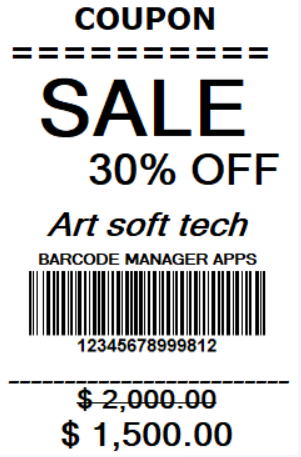
QR Code Designer
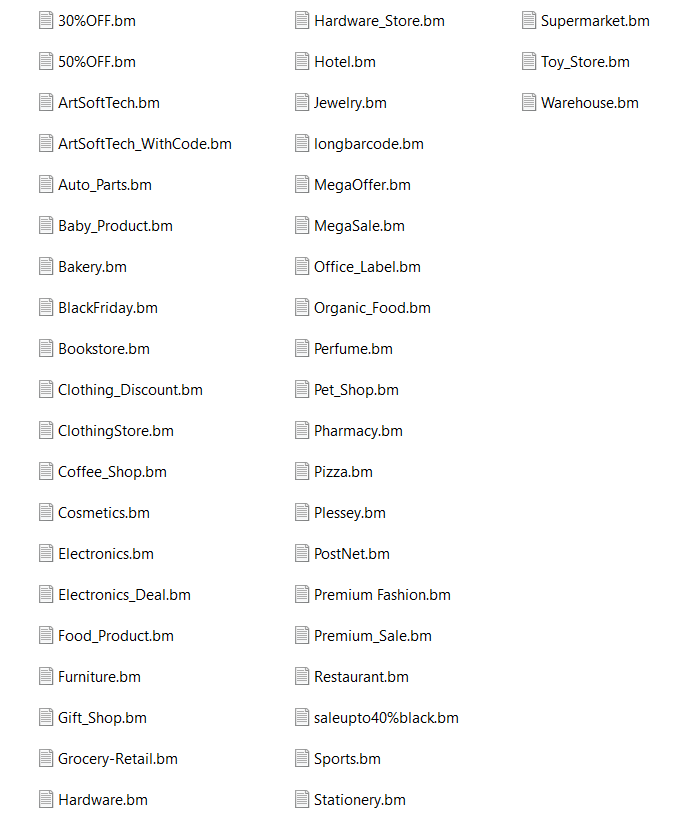
Pre-made Label Templates
Print Preview
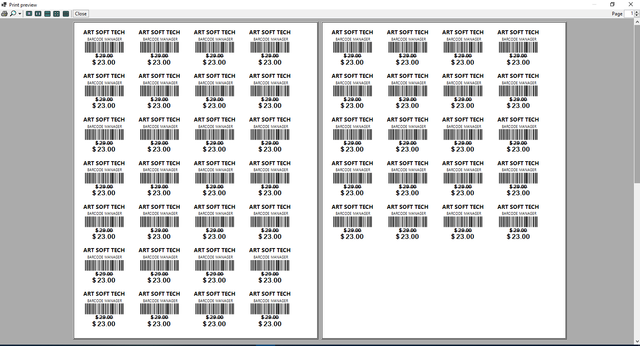
Bulk Print
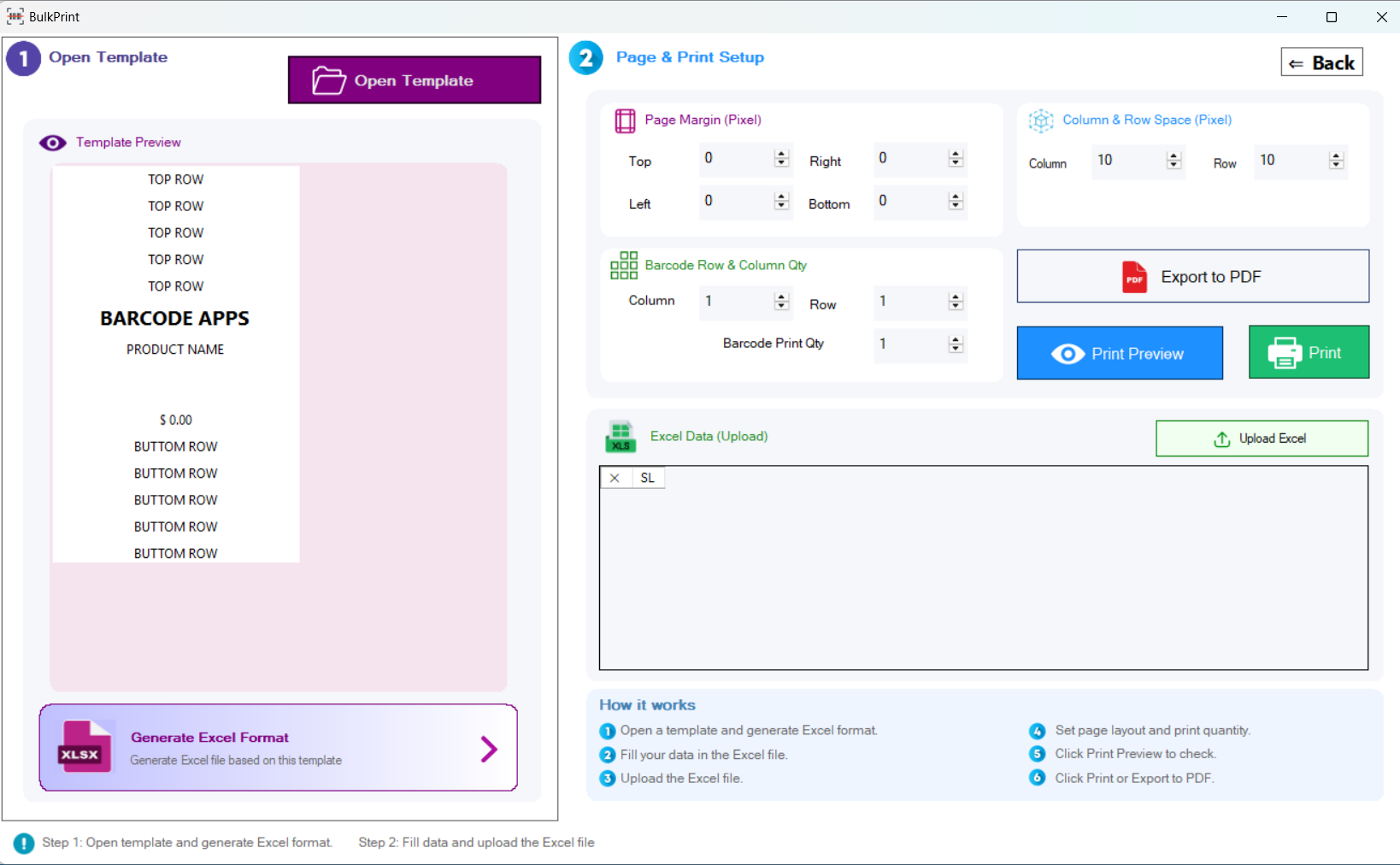
Uploaded Excel Data
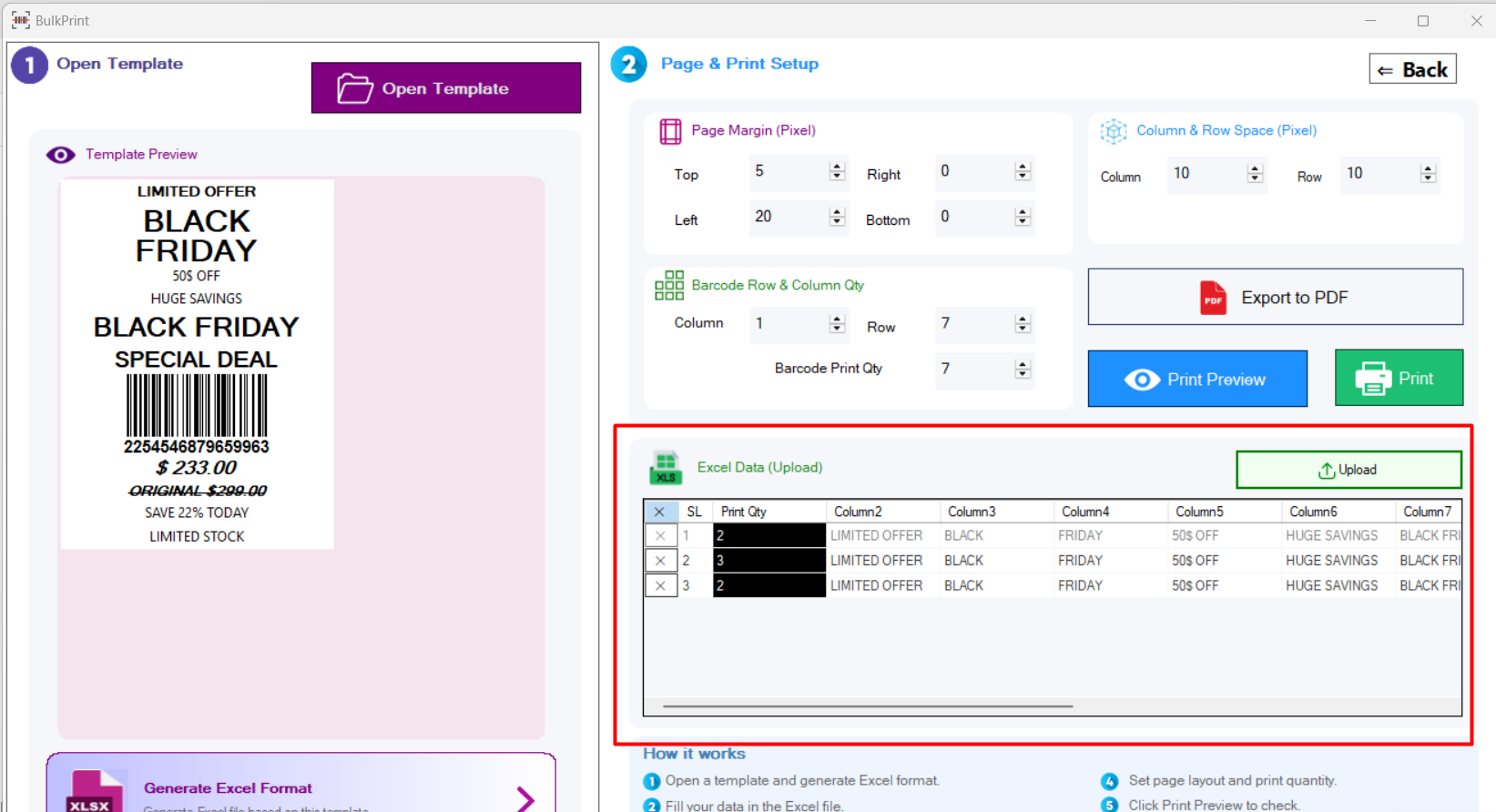
Multiple Product Bulk Print
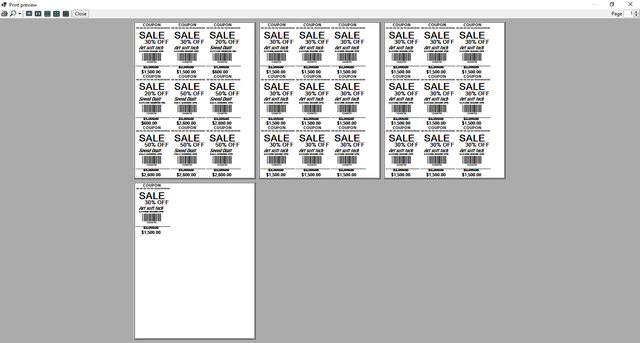
Demo
Requirements
- Windows Operating System
- Desktop application – no web browser required
- Offline use
- Windows-compatible printer
- Microsoft Excel or compatible spreadsheet software for bulk-print data
⭐ Why Barcode Manager?
Barcode Manager combines barcode generation, QR Code generation, professional label design, reusable templates, Excel bulk printing, PDF export, and direct printing in one Windows application. Create the design once and reuse it whenever you need it.
Thank you for choosing Barcode Manager!
If you find Barcode Manager useful, please consider leaving a review and rating. Your feedback helps us improve the software.
0 average based on 2 ratings.
.png)


