Annotator Pro - Image Tooltips & Zooming











Annotator Pro
Easy annotations, tooltips and zooming for your photos and images.
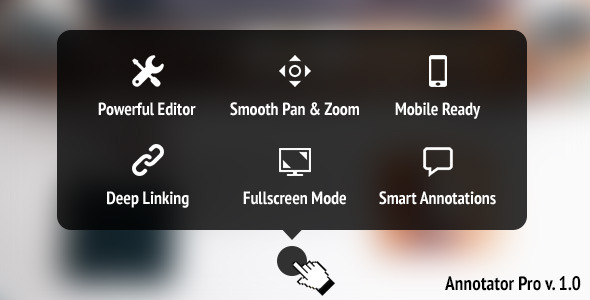
Powerful Editor
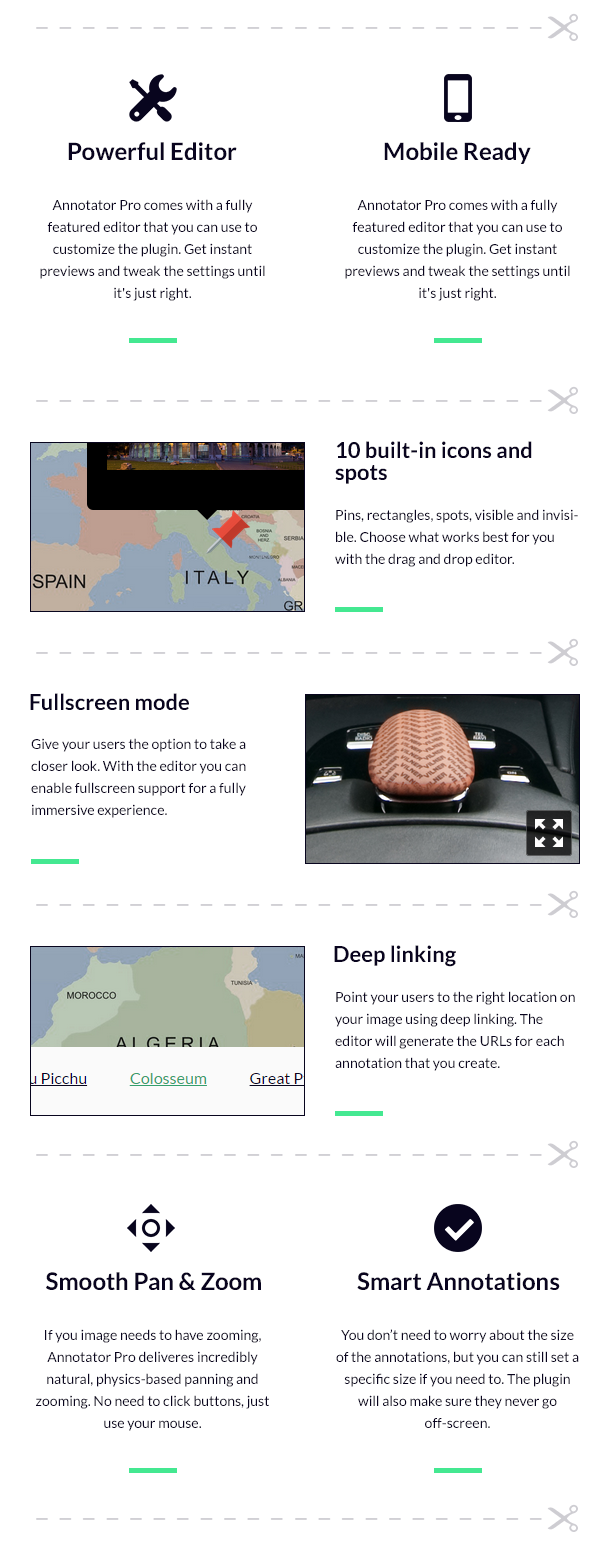
Annotator Pro comes with a fully featured editor that you can use to customize the plugin. Get instant previews and tweak the settings until it’s just right.
Mobile Ready
Annotator Pro comes with a fully featured editor that you can use to customize the plugin. Get instant previews and tweak the settings until it’s just right.
10 built-in icons and spots
Pins, rectangles, spots, visible and invisible. Choose what works best for you with the drag and drop editor.
Fullscreen mode
Give your users the option to take a closer look. With the editor you can enable fullscreen support for a fully immersive experience.
Deep linking
Point your users to the right location on your image using deep linking. The editor will generate the URLs for each annotation that you create.
Smooth Pan & Zoom
If you image needs to have zooming, Annotator Pro deliveres incredibly natural, physics-based panning and zooming. No need to click buttons, just use your mouse.
Smart Annotations
You don’t need to worry about the size of the annotations, but you can still set a specific size if you need to. The plugin will also make sure they never go off-screen.
Change Log
1.1.2 – Feb 11, 2016
- Fixed a bug that would occur when resizing the browser window.
1.1.1 – Jan 6, 2016
- Fixed a bug that would prevent deep linking from working properly.
1.1.0 – Aug 29, 2015
- Added an option to disable rubberbanding.
- Fixed a bug on touchscreen devices that would prevent an annotation from closing.
1.0.7 – Aug 27, 2015
- Fixed a bug that could cause annotations to conflict with each other. This bug was caused by duplicated annotation IDs.
1.0.6 – Feb 22, 2015
- Updated documentation
- Fixed a CSS bug which prevented images and video from displaying using the “Custom HTML” content type for the annotations


