Animation Button
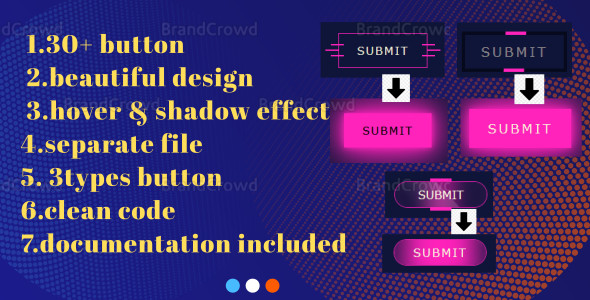

Different types of buttons are filed separately for clean and easy to use button code
- How to set single button on other page or website:
- First you open the file you want to use the button. (Here it is better to use modern notepad, if you use boot default notepad there is no problem)
- After opening it you will get its style first copy them. Then copy the button you want to copy. (Serial starts from the top left. If you want to use the top left, here is the very first one { Submit } Copy ).This way you can copy it and use it anywhere
- To get better button style you can keep site body background color and button primary background color same. But there is no problem even if it is not kept the same. You can give the color as you wish
- Among the files, pdf files are better understood by adding images.h1 tag will omit it. It is given for understanding only
All preview photo
Button 1(index file)

Button 1 with animate effect
Button 2
Button 2 with animate effect
Button 3
Button 3 with animate effect
thanks for visiting
0 average based on 0 ratings.

Search plugins
Browse Categories


