Animate CSS for Adobe Muse

Animate CSS for Adobe Muse
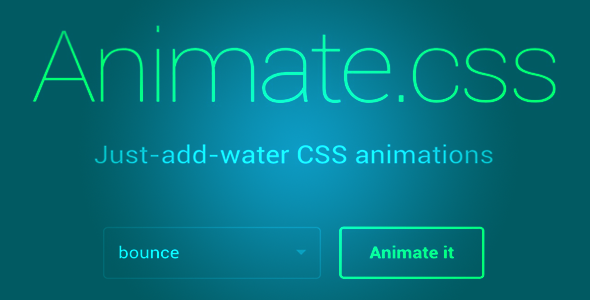
Animate CSS is a widget for Adobe Muse CC, It contains Animate CSS brand new essensial special for you.
Main Feature:
More than 50 Creative animation
Package content:
- [TA] – Animate CSS [Widget]
- Documentation
- assets
- index.html
- Browse to the location where you downloaded the widget file.
- Extract the contents of the file.
- Double-click the MULIB file to import it into the Library. This will launch Muse if it’s not already open.
- After extracting the files, click the Import Muse Library icon at the bottom of the Library Panel in Muse.
- Browse to the location you where you extracted the widget files. Select the MULIB file.
Now it’s time to start gathering your Animation. Reach out to your current customers that you know are happy with your company and ask them to share their success story. By showcasing these powerful feelings and stories about your product or services, you’re creating another tool to get prospects to trust your brand and commit to it.
Note: The help file is included in the main package.
0 average based on 0 ratings.

| Last Update | 2017-09-23 |
| Created | 2017-09-23 |
| Sales | 3 |
| Discussion | Comments |
| Compatible Browsers | IE8 IE9 IE10 IE11 Firefox Safari Opera Chrome Edge IE8 IE9 IE10 IE11 Firefox Safari Opera Chrome |
| Software Version | Muse CC 2017.0.x Muse CC 2015.2.x Muse CC 2015.1.x Muse CC 2015 Muse CC 2014.3.x Muse CC 2014 |
| High Resolution | Yes |
| Files Included | .MuLib |
| Video Preview Resolution |
Search plugins
Browse Categories


