Amazing HRM & Payroll
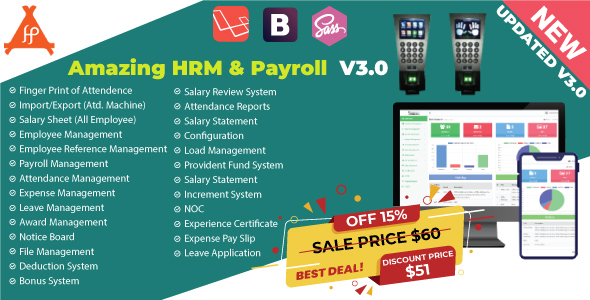

 This application based on new Latest Laravel 7.0 Framework. Human Resource Management system(HRM) & Payroll has become one of the most important tools for any corporate environment. It’s very easy for any kind of businesses and helps to keep the HR & Payroll department clean and clear. Amazing HRM & Payroll software is not just a visualize it’s now become an essential software for maintaining every corporate office. Any company can use it for their regular tasks, employee workforce management and account management. Amazing HRM & Payroll is designed latest security Technology and it is ready for high availability web application. Documentation For documentation Go here: Documentation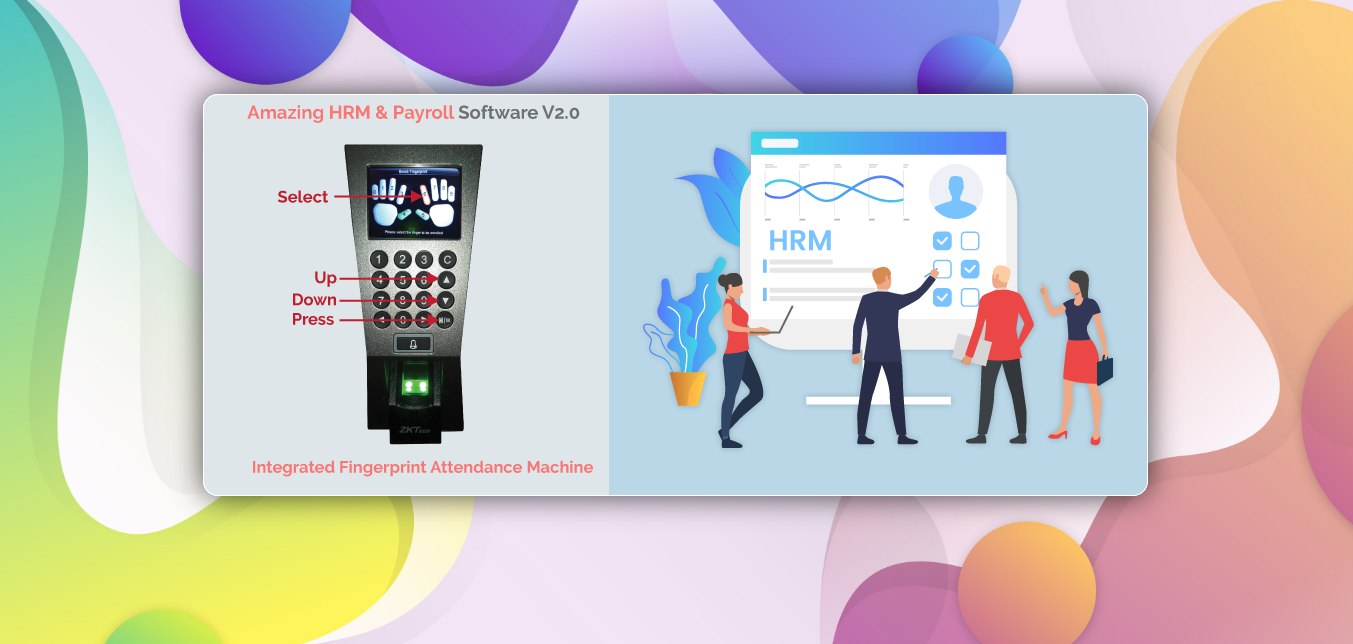
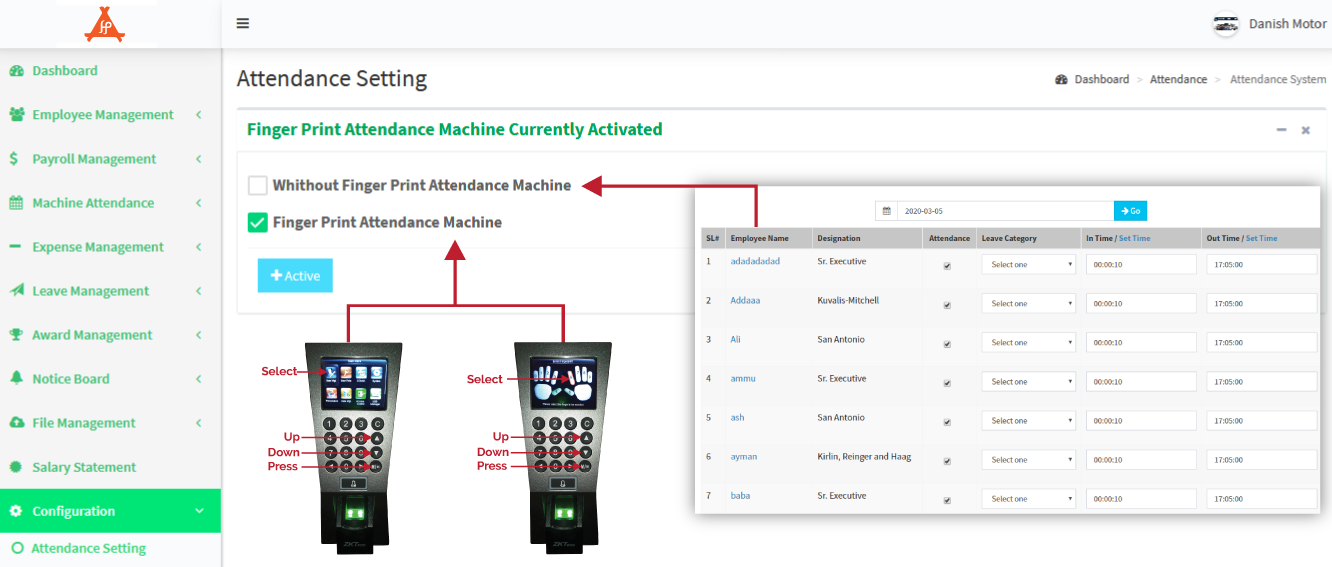

You can view a demo installation by following this link: Installation Demo
You can view a demo by following this link: Live Demo
Admin:
ID: admin@mail.com
Password: demo
Admin Live Demo
Employee:
ID: employee@mail.com
Password: demo
Employee Live Demo
Features:
Step 01: Open and start the Attendance Machine Software 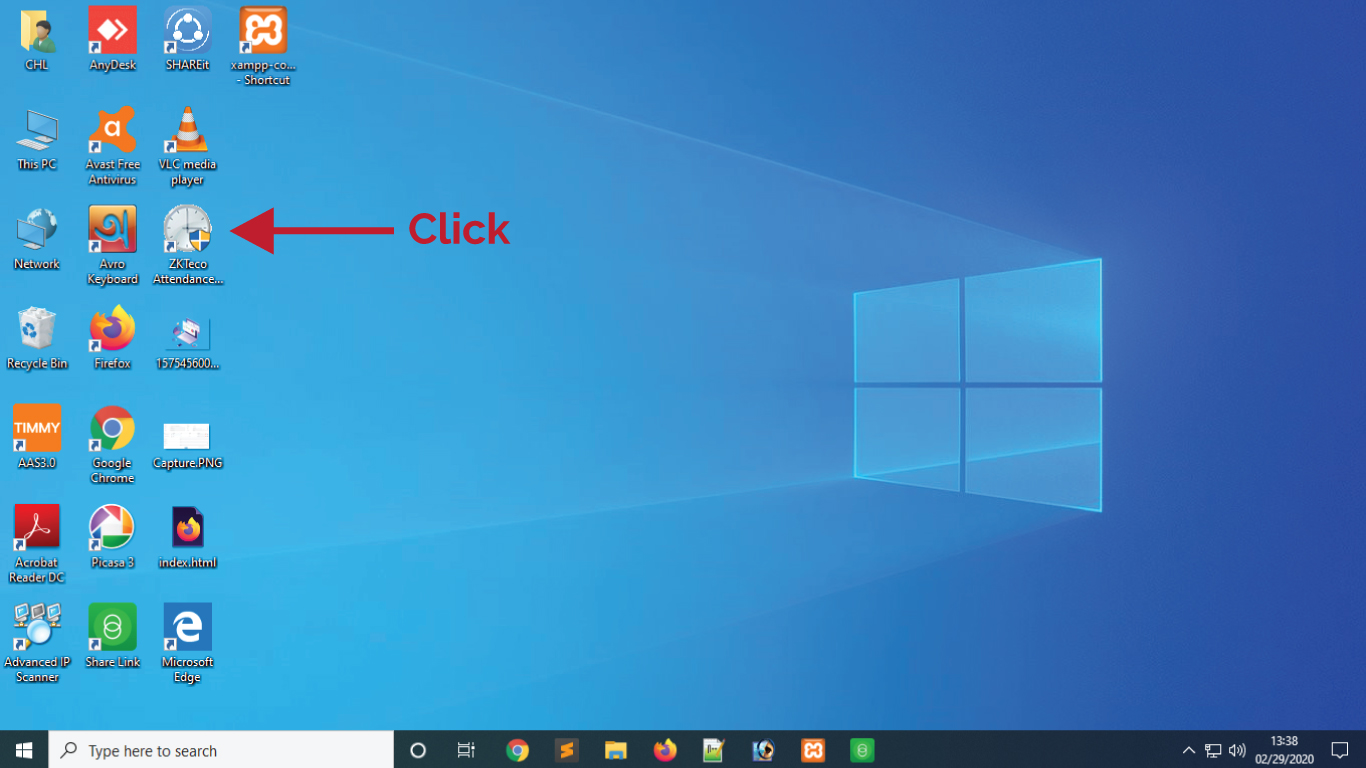
Step 02: Click the OK Button 
Step 03: Select the Device and Click the Connect in the software 
Step 04: Create All Employee Records like Enrollment or Registration 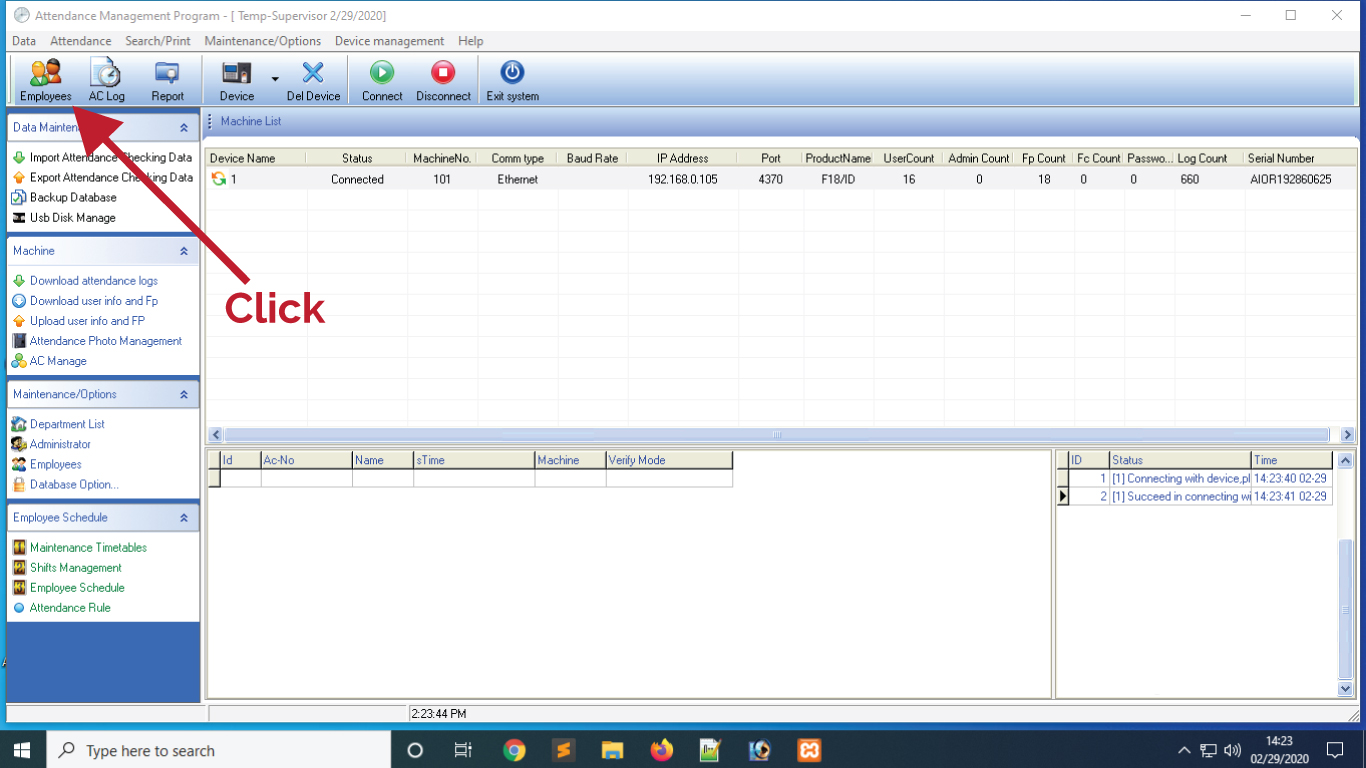
Step 05: After recorded, must be Upload and Download from left Button 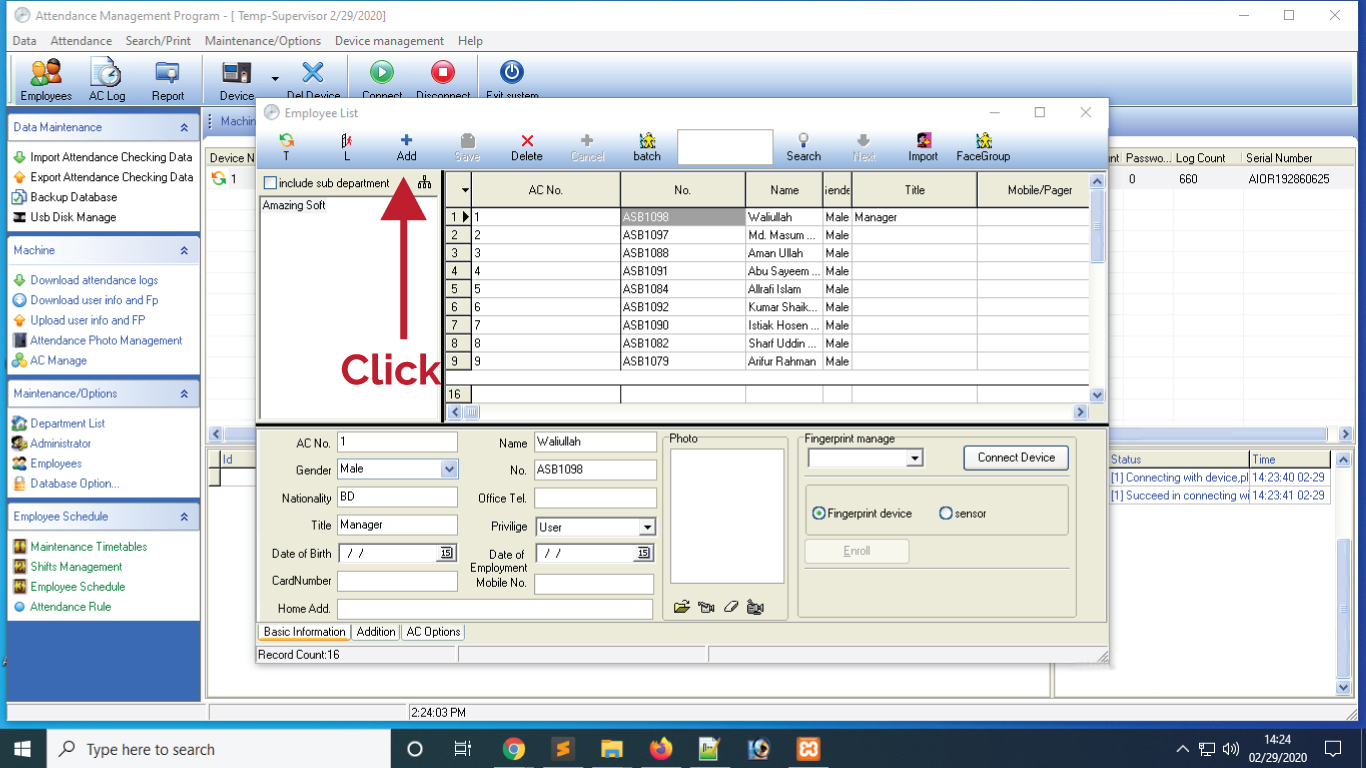
Step 06: Select the report for calculatation by date wise. 
Step 07: View the attendance reports by the dates 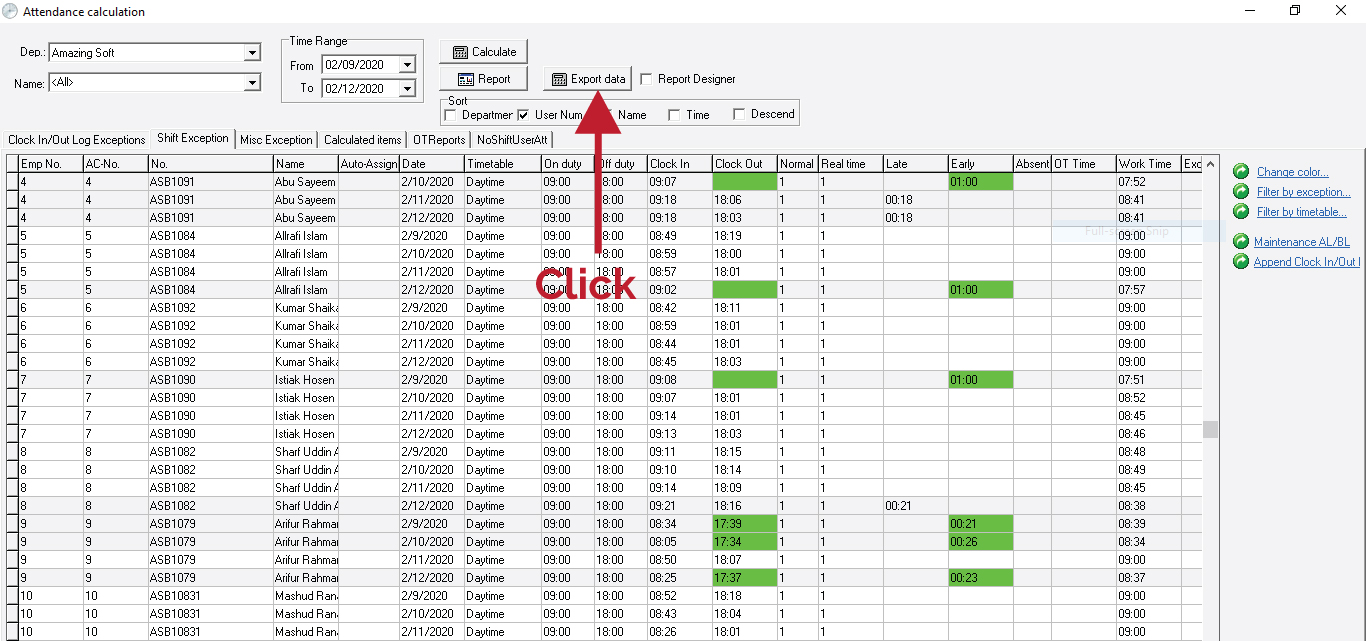
Step 08: Export the Attendance Report 
Step 09: Save the Attendance Report in your PC 
Step 10: Export the Attendance Report in your HRM Software 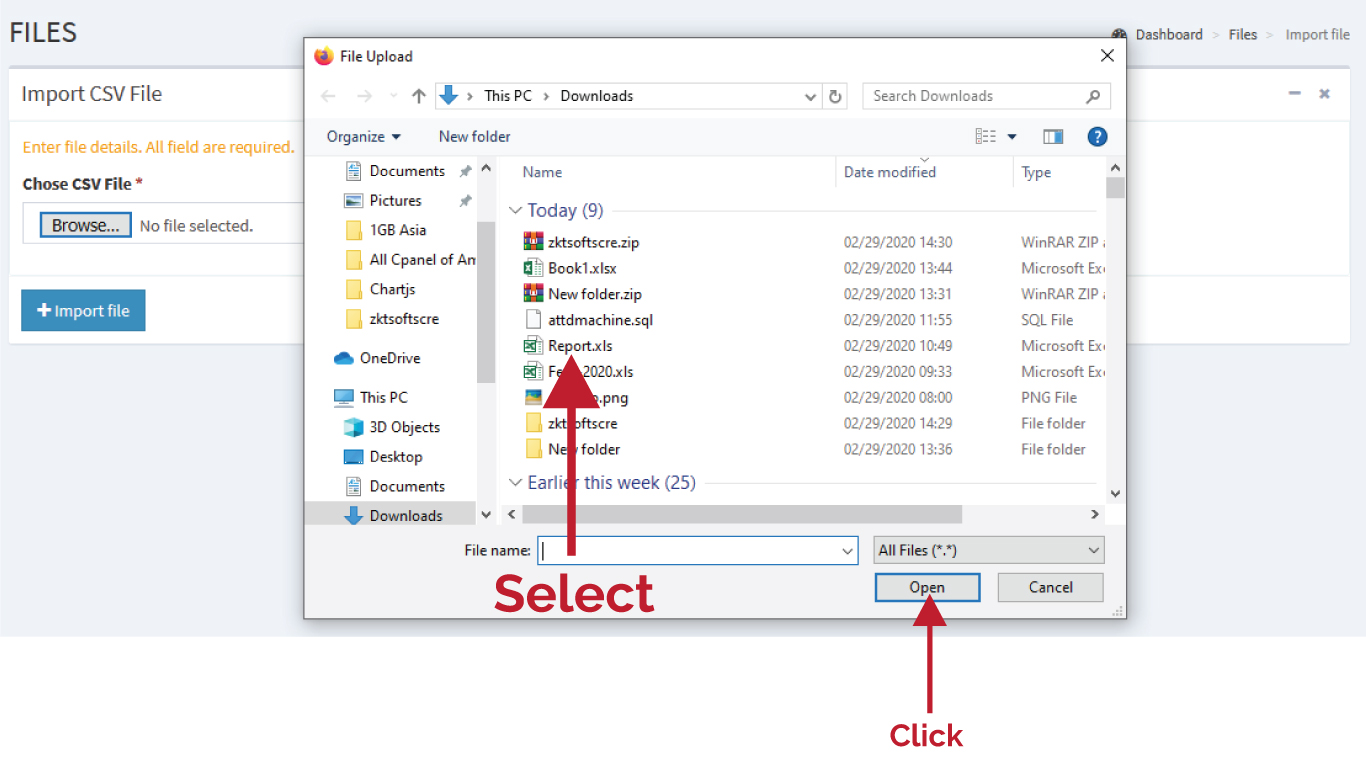
Manage the Device of Attendance Machine
Step 01: Setup the Attendance Machine by IP 
Step 02: Select the User Management in the Machine 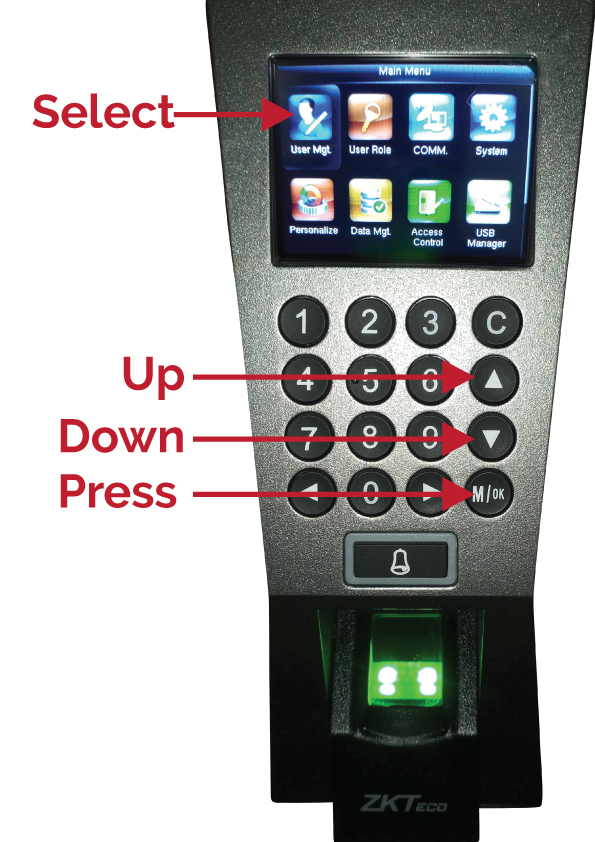
Step 03: Go to the All User Management 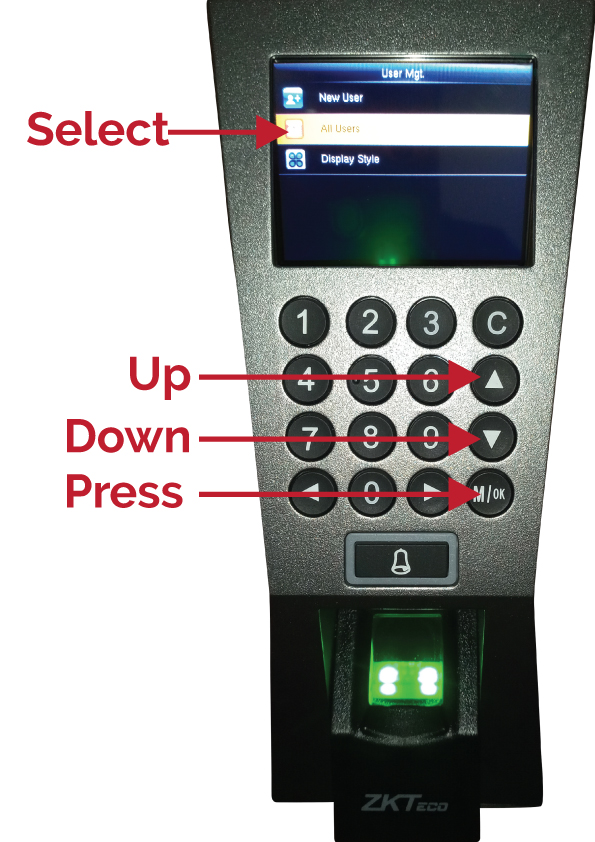
Step 04: Select the One User and go 
Step 05: Select the finger for print by the user 

Search plugins
Browse Categories


