AlbumsGrid 4.2 | Gallery Module for Gmedia plugin

Features
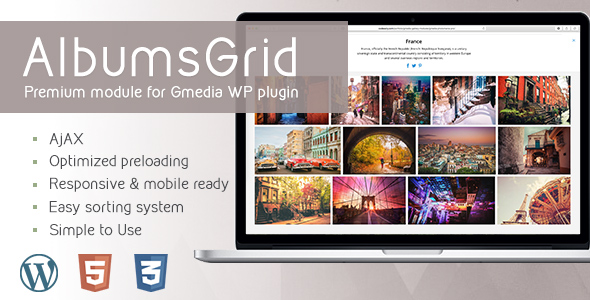
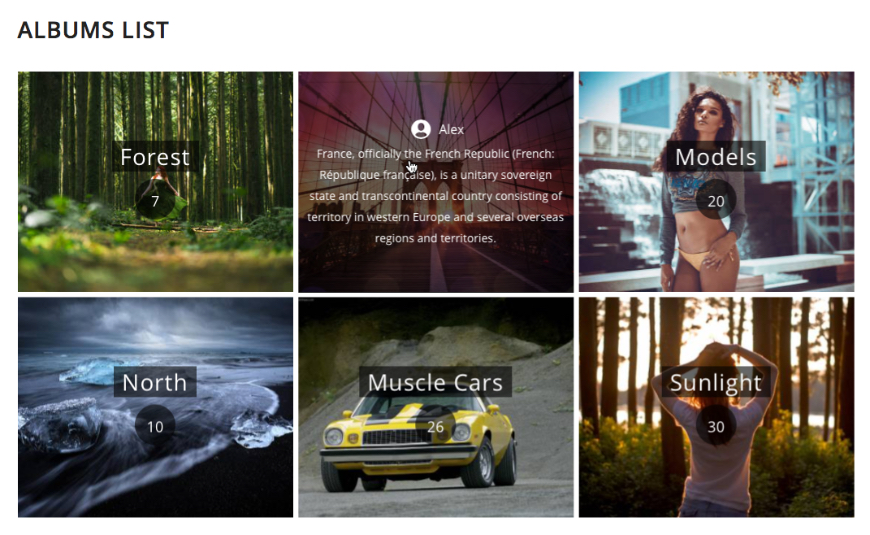
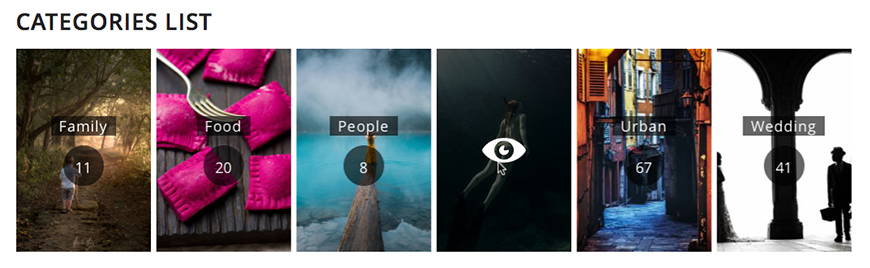
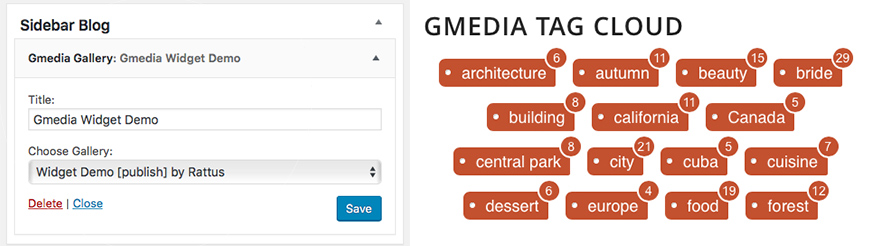
- Splash gallery for your Albums, Categories, Tags from Gmedia Library
- Optimized for any widget area
- Gmedia Tags Cloud
- Responsive and mobile friendly
- Built with AJAX
- Ability to play audio files
- Share collection or individual photo
- Working in all major browsers
- Easy sorting system
- Various settings
- Optimized preloading
- Simple to Use
Scan QR code to view carousel demo on your mobile device:

How to use:
- Install free Gmedia WordPress Plugin.
- Download and install AlbumGrid Module ZIP.
- Create an album and publish it in your Post or Page.
- How to create a photo gallery containing several albums.
Changelog
v4.2
- Fix - terms link - Scroll to navigate / Scroll to Zoom for Lightboxv4.0
- New generation module. - Not interchangeable with older versions. - Installed as a new module. - New settings - New Lightboxv3.3
- Fix CSS stylev3.2
- add new option. Show gallery as Justified Items (Images) Grid. No Splash Page. - add new option. The collection is opened when the page is reloaded with the new URL.v3.1
- bug fix. Disable/Enable the image flippingv3.0
- new CSS - new settings - new Lightbox
$17 |
Download |
4.5 average based on 8 ratings.

| Last Update | 2019-12-26 |
| Created | 2017-05-13 |
| Sales | 256 |
| Discussion | Comments |
| Compatible Browsers | IE11 Firefox Safari Opera Chrome Edge |
| Software Version | WordPress 5.3.x WordPress 5.2.x WordPress 5.1.x WordPress 5.0.x WordPress 4.9.x WordPress 4.8.x WordPress 4.7.x WordPress 4.6.1 WordPress 4.6 |
| Compatible With | |
| Gutenberg Optimized | No |
| High Resolution | |
| Files Included | JavaScript JS CSS PHP |
| Video Preview Resolution |
Search plugins
Browse Categories


