Interactive App Demo for Elementor - Create product walkthroughs without editing a video


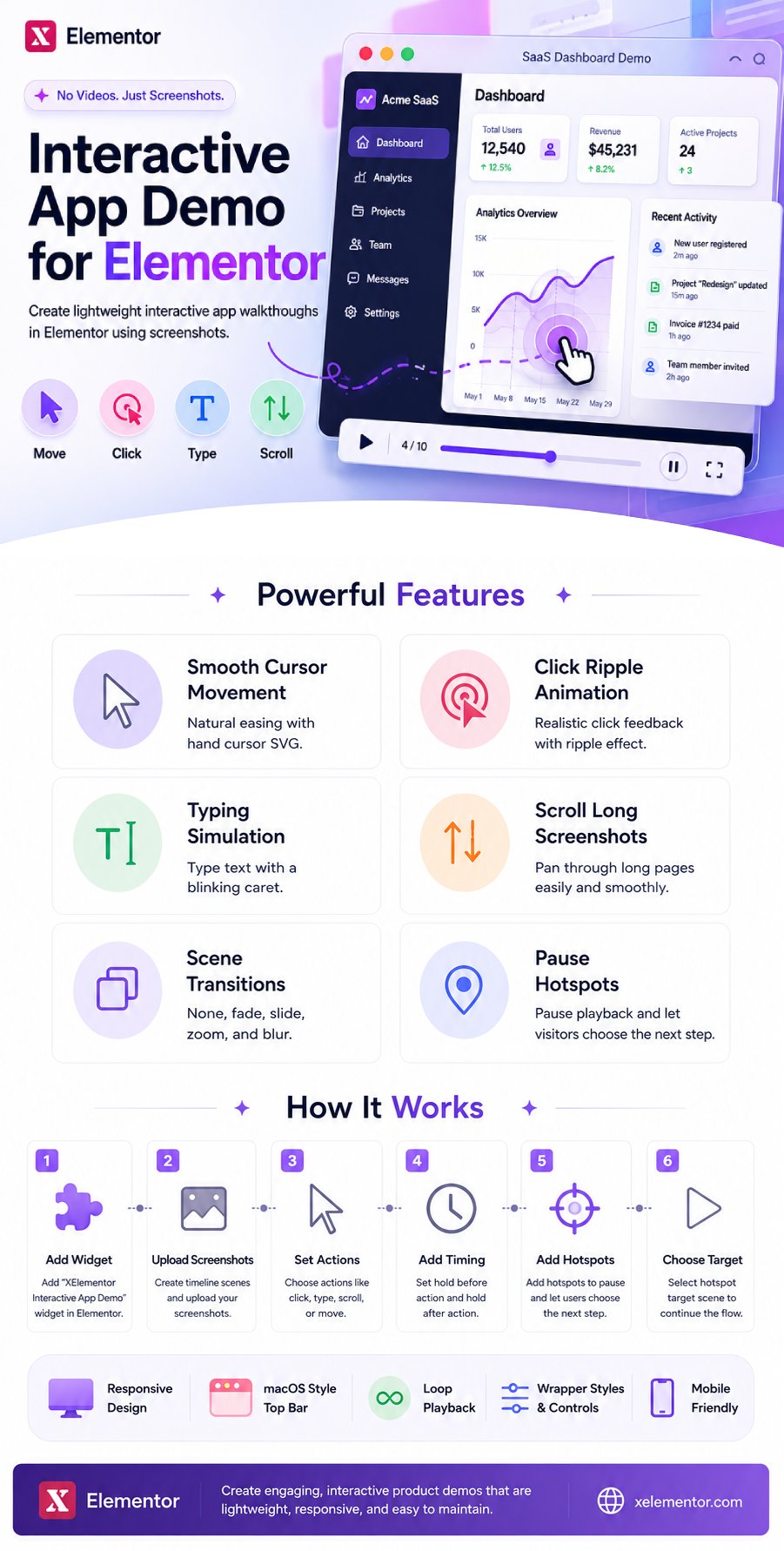
Create lightweight interactive app walkthroughs in Elementor using screenshots, cursor movement, clicks, typing, scrolling, transitions, and pause hotspots.
XElementor Interactive App Demo adds an Elementor widget for building product walkthroughs without editing a video.
Instead of exporting a heavy screen recording, you can upload screenshots and define a timeline of scenes. Each scene can move a hand cursor, click, type text, scroll through a long screenshot, and transition into the next scene. The result is a lightweight, responsive, browser-rendered product demo that is useful for SaaS, dashboards, AI tools, mobile apps, onboarding flows, Chrome extensions, and agency process showcases.
The widget is designed for marketing pages where a polished product interaction is more useful than a static screenshot but smaller and easier to maintain than a video.
Key Features
- Screenshot-based scene timeline.
- Smooth cursor movement with natural easing.
- Hand cursor SVG support.
- Click ripple animation. Typing simulation with caret.
- Long screenshot scroll action.
- Scene transition options: none, fade, slide, zoom, and blur.
- Hold before action and hold after action timing.
- Pause hotspots that stop playback until a visitor clicks.
- Hotspot controls for source scene, target scene, x/y position, size, and color.
- Optional macOS-style top bar with light and dark modes.
- Responsive aspect ratio controls.
- Wrapper style controls for border, border radius, and box shadow.
- Loop playback option.
How It Works
- Add the “XElementor Interactive App Demo” widget in Elementor.
- Create timeline scenes and upload screenshots.
- Set cursor positions and choose actions such as click, type, scroll, or move only.
- Add timing with hold before action and hold after action.
- Optionally add hotspots to a scene. When playback reaches that scene, the scene completes, hotspots appear, and playback pauses until a hotspot is clicked.
- Choose the hotspot target scene to continue the flow.
Example Use Cases
- SaaS dashboard demos.
- AI chat or generation workflows.
- Admin panel feature tours.
- Mobile app landing page previews.
- Chrome extension walkthroughs.
- Client process demonstrations.
- Lightweight onboarding or product education sections.
$25 |
Download |
0 average based on 0 ratings.

| Last Update | 2026-05-22 |
| Created | 2026-05-22 |
| Sales | 0 |
| Discussion | Comments |
| Compatible Browsers | IE11 Firefox Safari Opera Chrome Edge |
| Software Version | WordPress 6.9.x WordPress 6.8.x WordPress 6.7.x WordPress 6.6.x WordPress 6.5.x WordPress 6.4.x WordPress 6.3.x WordPress 6.2.x WordPress 6.1.x WordPress 6.0.x WordPress 5.9.x WordPress 5.8.x |
| Compatible With | Elementor Elementor Pro |
| Gutenberg Optimized | No |
| High Resolution | Yes |
| Files Included | JavaScript JS HTML CSS PHP |
| Video Preview Resolution |


